
SourSpark · Creator and Brand Games →
Planning YouTube Shorts for a game launch
Use real gameplay to introduce your character, demonstrate one mechanic and explain where to find the game. Check the vertical edit and download journey on a phone.
Updated: 2026-10-30
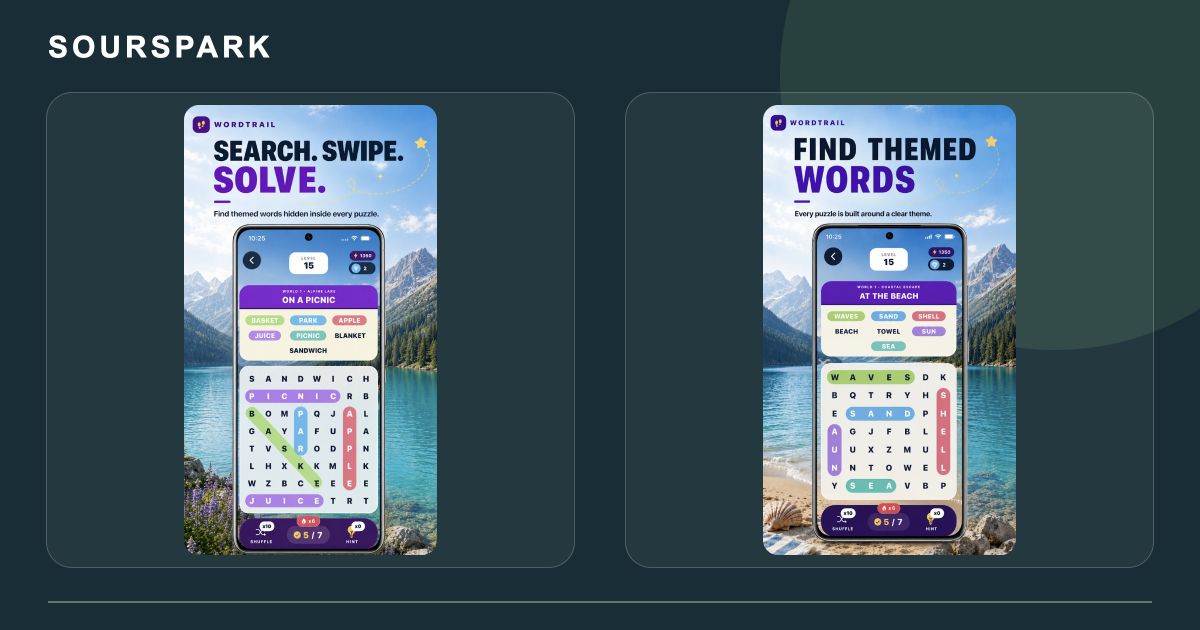
These images are from our own SourSpark projects and provide visual references for this topic. Original screenshots retain the app’s existing language. Some original WordQuest artwork shows its former name, WordTrail.
Give each clip one job
Try three editorial ideas: meet the character, solve one task, or show the start of a new level. Capture a working build and avoid depicting planned features as available. These are content suggestions.
Check the vertical crop on a phone
Keep the goal, controls and character understandable together. Place short captions away from edges that interface elements may cover. Replay the clip with sound off to check its meaning.
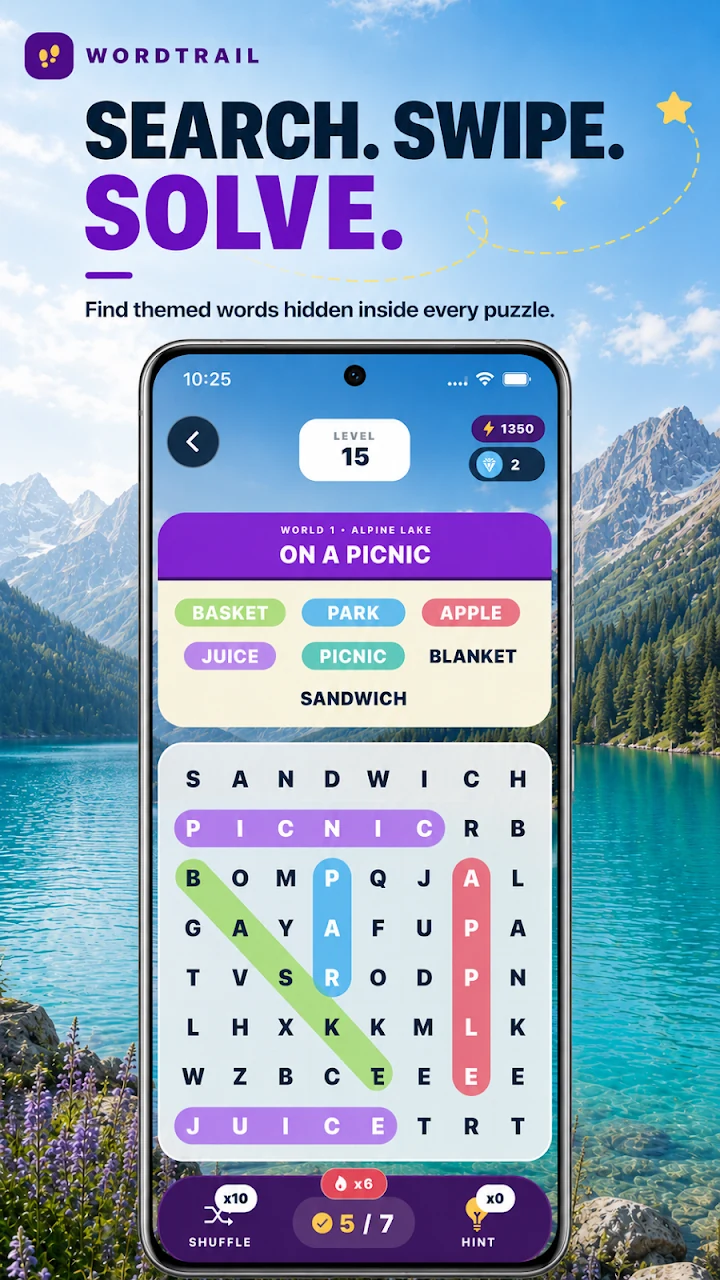
These images are from our own SourSpark projects and provide visual references for this topic. Original screenshots retain the app’s existing language. Some original WordQuest artwork shows its former name, WordTrail.
Test the route to the game
URLs in Shorts descriptions are not clickable; a channel profile game link can provide a route. Match the spoken or visible instruction to that route and check the correct device store from the landing page.
SourSpark
What game could your character belong in?
Share your channel, character and audience so we can define the first playable version together.
Tell us about your character and game