
SourSpark · Creator and Brand Games →
How YouTube viewers find and download your game
Create a clear route from video to game page and the correct store. Measure link clicks, store visits and completed downloads as separate steps.
Updated: 2026-10-30
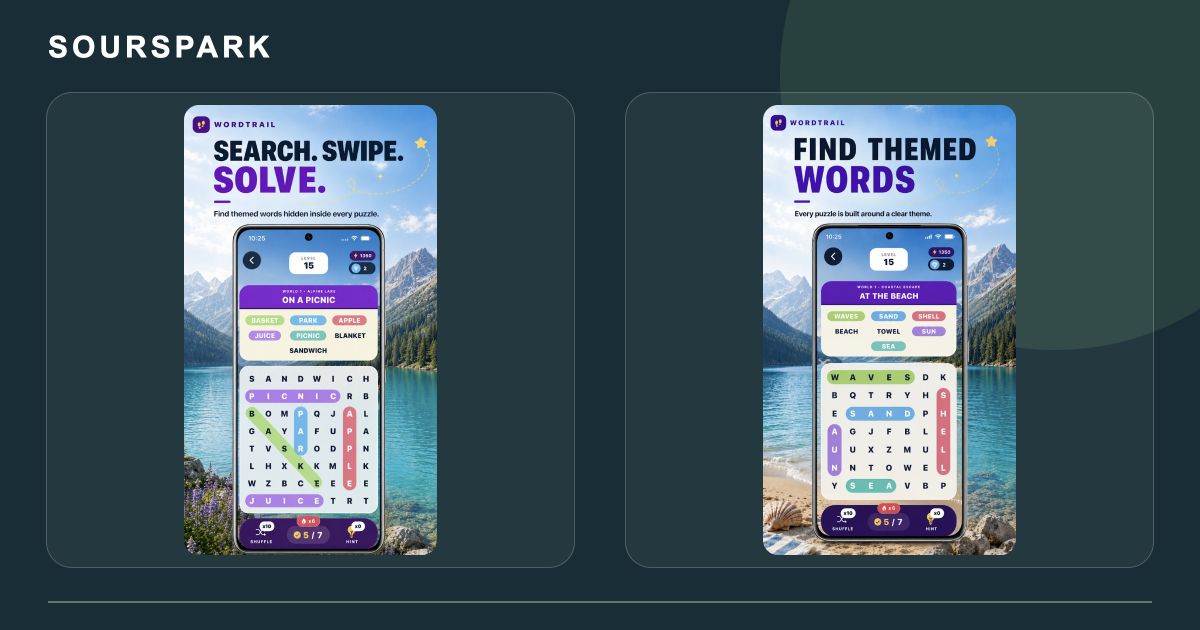
Images are from SourSpark’s own projects and illustrate the production approach discussed here. Genuine SourSpark product screens; images retain the app’s original language. Some original WordQuest store artwork still shows its former name, WordTrail.
Give viewers one clear next step
Make it easy to identify the game, supported devices and where to start. A landing page should bring together the name, real gameplay and official store links. The download journey should match what the video promises.
Check which YouTube links are clickable
Shorts description URLs are not clickable. Use eligible channel-profile links or long-form descriptions, checking the channel’s feature access.
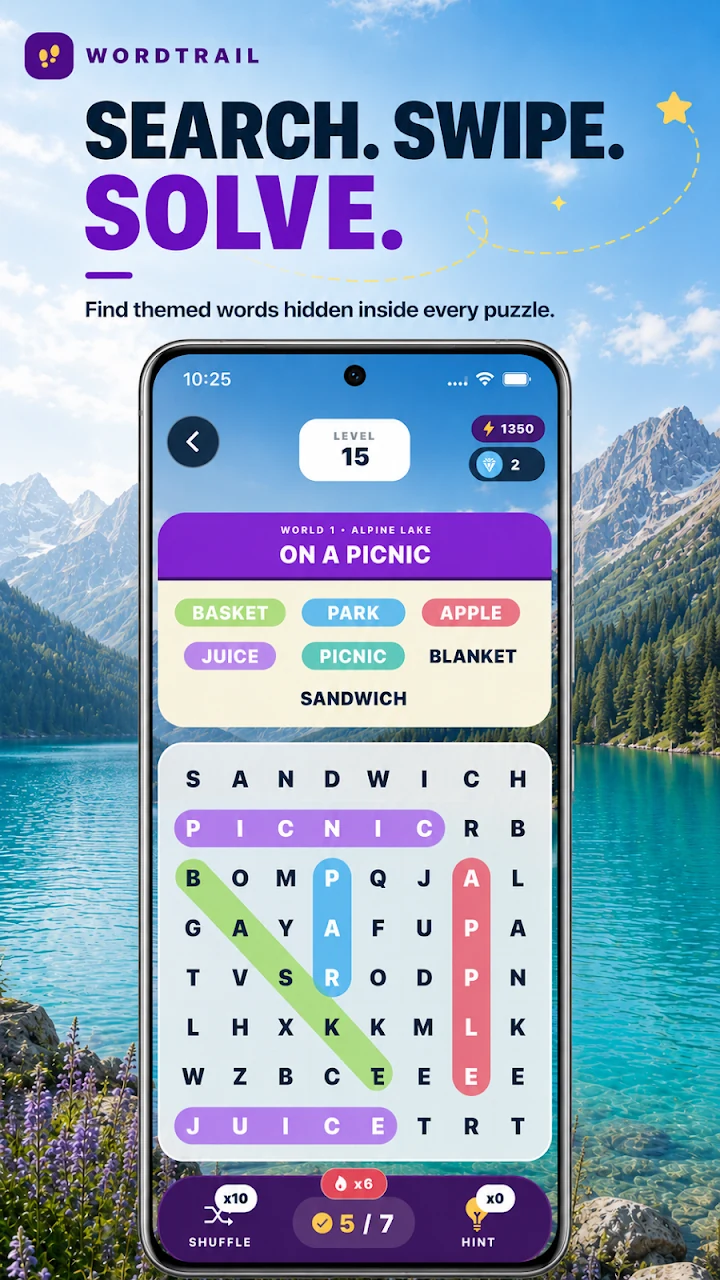
Images are from SourSpark’s own projects and illustrate the production approach discussed here. Genuine SourSpark product screens; images retain the app’s original language. Some original WordQuest store artwork still shows its former name, WordTrail.
Keep clicks and downloads separate
Record the campaign link, landing-page visit and store exit click separately. Review the store’s download data as another measure and make attribution gaps clear. Try the full journey on a phone first, fixing links that lead to the wrong store.
SourSpark
What game could your character belong in?
Share your channel, character and audience so we can define the first playable version together.
Tell us about your character and game