
SourSpark · Creator and Brand Games →
From views to downloads: measuring a game launch
Measure video views, landing-page visits, store clicks and reported downloads separately. Build a short launch report that makes attribution gaps visible.
Updated: 2026-10-30
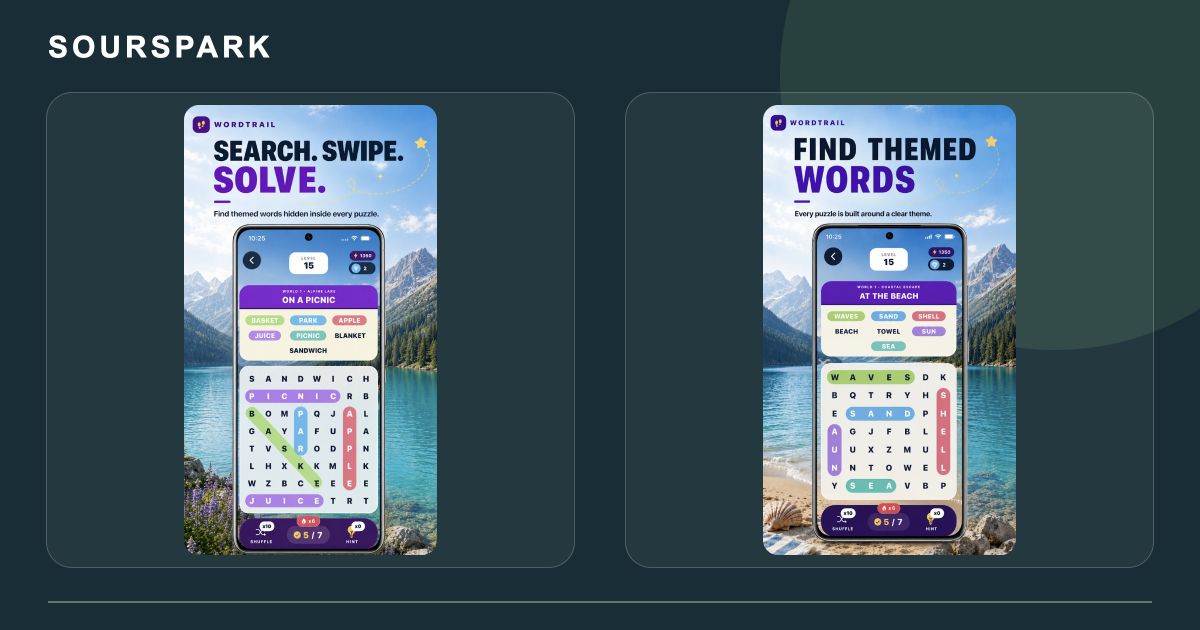

These images are from our own SourSpark projects and provide visual references for this topic. Original screenshots retain the app’s existing language. Some original WordQuest artwork shows its former name, WordTrail.
Name each step and its source
Example events include opening the game page and leaving for a store. Take views from the video platform and downloads from store reporting. Do not assume the same person is identifiable throughout.
Use campaign links consistently
Test each planned video or launch-wave link on a phone. Record date range, country and platform in the report. A click out to the store is not an installed application.
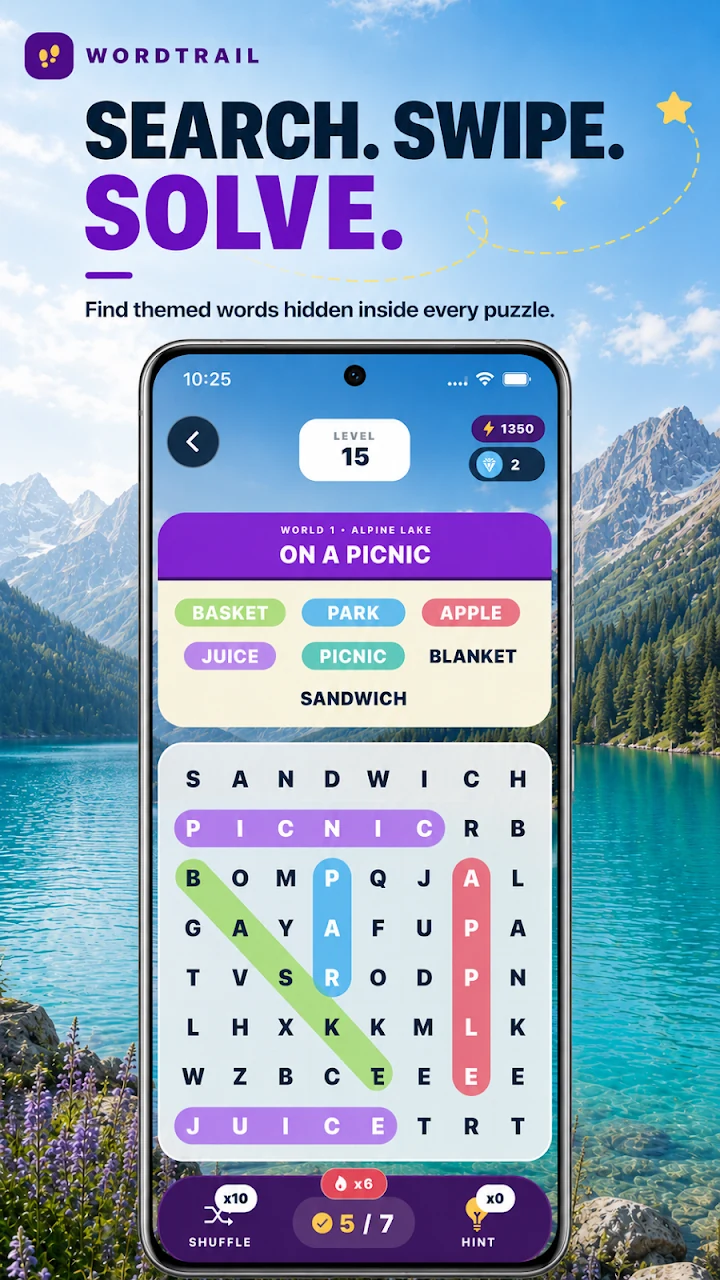
These images are from our own SourSpark projects and provide visual references for this topic. Original screenshots retain the app’s existing language. Some original WordQuest artwork shows its former name, WordTrail.
Show uncertainty in the report
An illustrative dashboard can contain four distinct counts: views, visits, store clicks and reported downloads. Without attribution, avoid presenting their ratio as a verified user journey. No actual campaign results are disclosed here.
SourSpark
What game could your character belong in?
Share your channel, character and audience so we can define the first playable version together.
Tell us about your character and game