
SourSpark · Creator and Brand Games →
Preparing a creator game’s store listing
Prepare App Store and Google Play pages with real screenshots, the correct icon and clear copy. Review language, platform links and consistency with the release build.
Updated: 2026-10-30
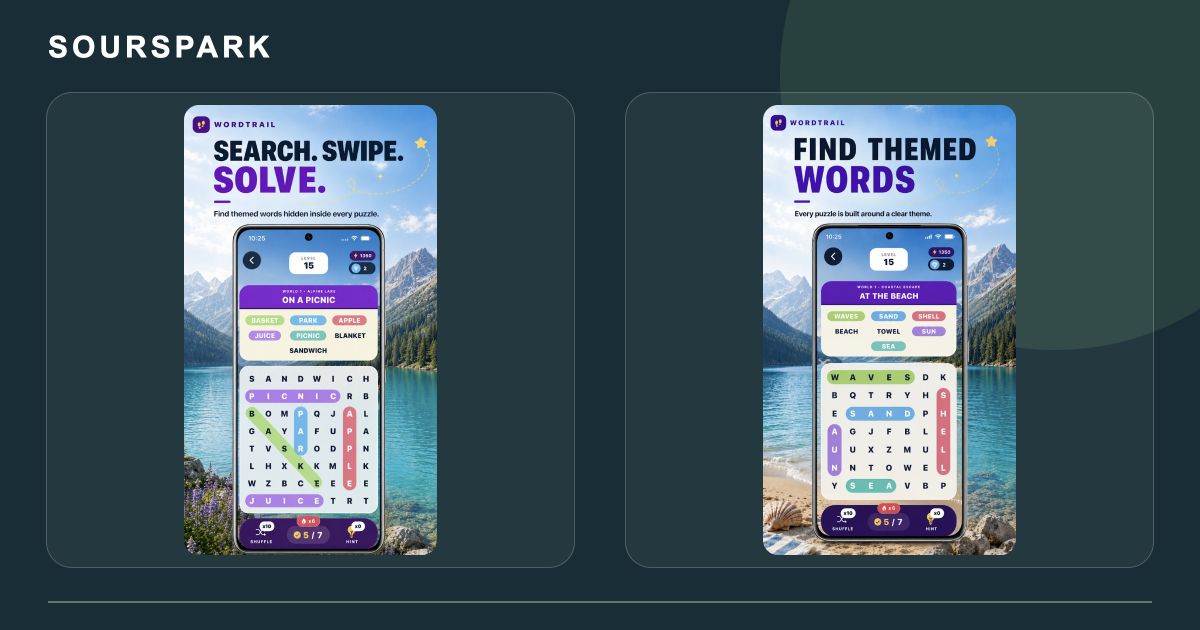
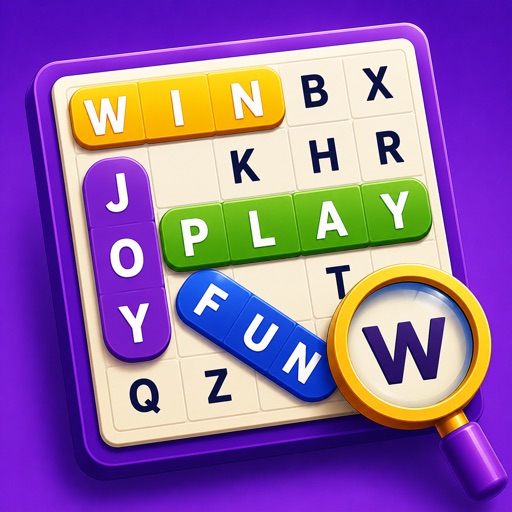
These images are from our own SourSpark projects and provide visual references for this topic. Original screenshots retain the app’s existing language. Some original WordQuest artwork shows its former name, WordTrail.
Let the first images explain play
Show what players do alongside the recognisable character. Icon, short description and screenshots should describe the same game. WordQuest and HueWeave images illustrate our existing product presentation.
Describe the version you will release
Apple requires accurate store information. Capture the release build rather than presenting planned levels as current content. Read titles and screenshot captions separately in each supported language.
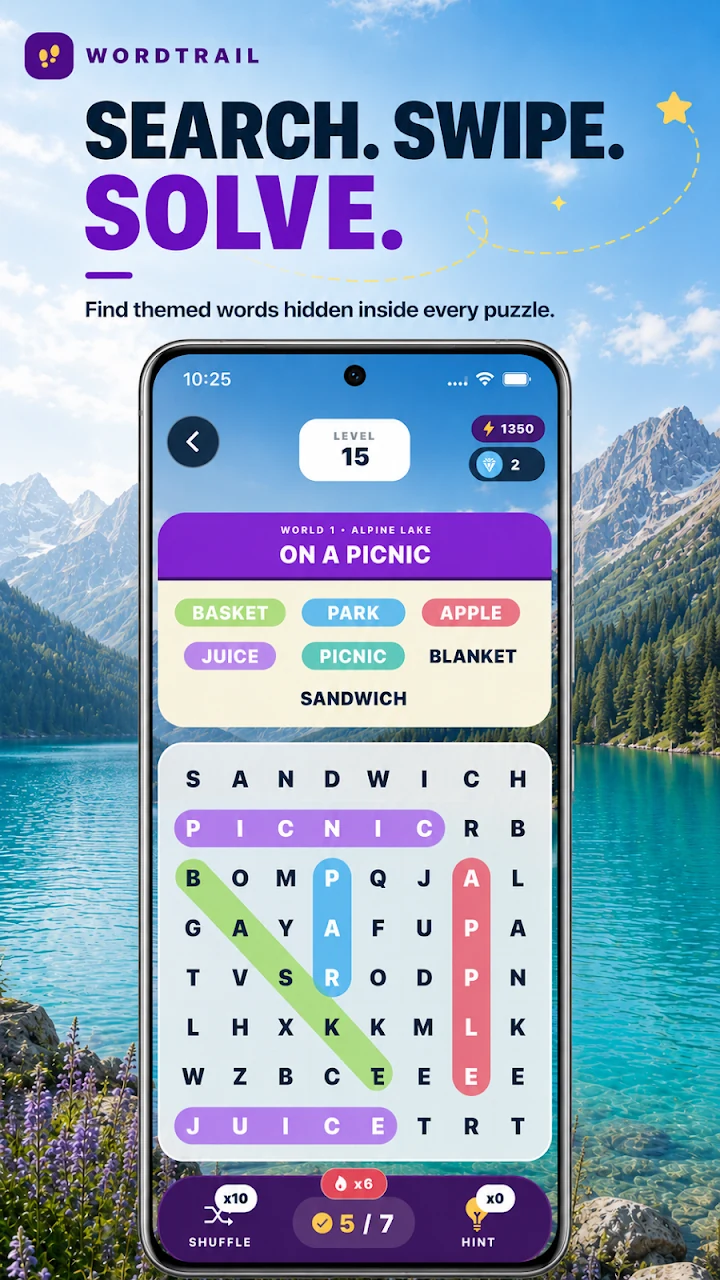
These images are from our own SourSpark projects and provide visual references for this topic. Original screenshots retain the app’s existing language. Some original WordQuest artwork shows its former name, WordTrail.
Complete the journey on a phone
Follow your website links to the correct iOS or Android listing. Check names, icons and support links for consistency. Do not add an unavailable platform link or present store preparation as a download-growth guarantee.
SourSpark
What game could your character belong in?
Share your channel, character and audience so we can define the first playable version together.
Tell us about your character and game