
Store Review Experiences
What happens when the store icon differs from the icon on the phone?
Pixel Rush and WordTrail received listing mismatch notices. These checks cover release packages, launcher icons and translated store pages.
Updated: 2026-10-20
The real case
People should recognise the app they installed from its store page. Notices received on 19 July and 28 July 2026 in Türkiye flagged Pixel Rush and WordTrail for differences between the installed app’s icon or name and its listing. Both identified store and on-device icons as review areas.
What to check
Changing the store artwork alone may leave old launcher assets in the Android project. Check launcher and adaptive icons alongside the release app name. Clean-install the package intended for submission rather than relying on a development preview.
Check translated and custom listings too. An old image in one language can create inconsistent expectations. The emails confirm a reported mismatch; identifying the exact faulty resource requires comparing the actual images.
- Compare the name and icon after a clean install of the release package.
- Check adaptive icon foreground and background assets.
- Review every translated and custom store listing.
Confirmed outcome
Two rejection notices confirm the reported mismatch. Later artwork changes and approval were not verified here.
These checks can help reduce avoidable issues; they do not guarantee store approval.
Related game or app
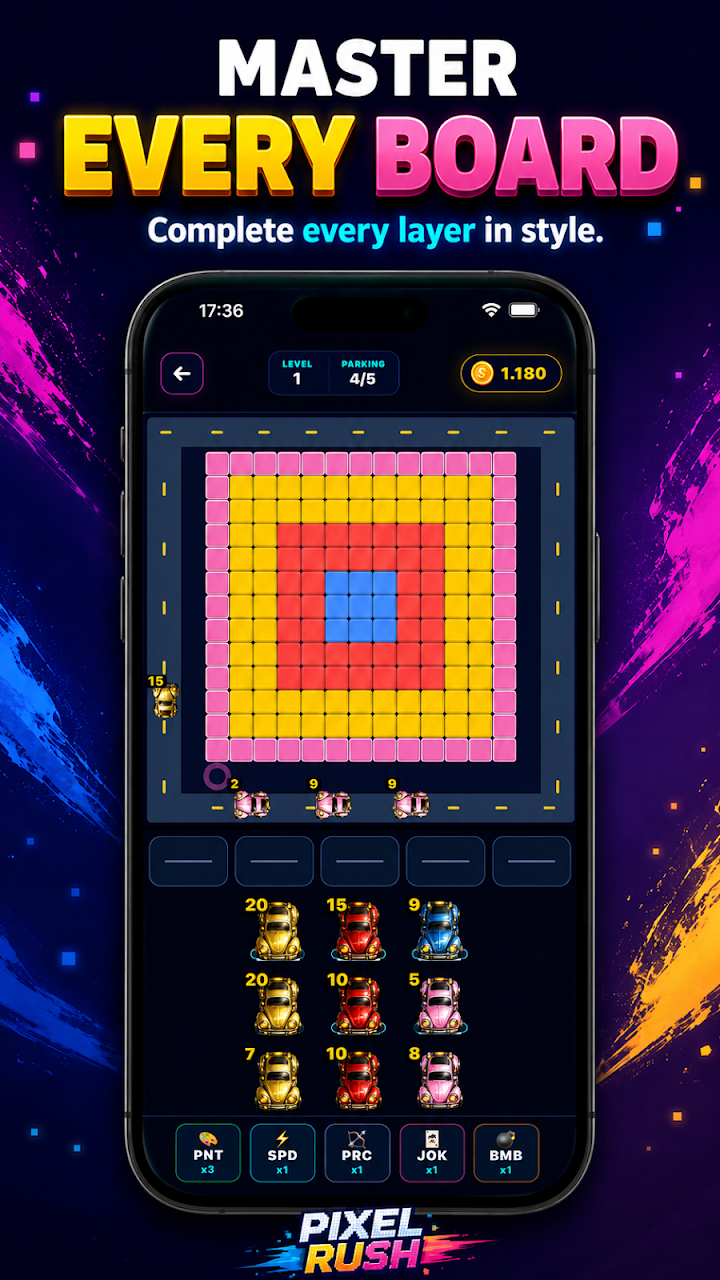
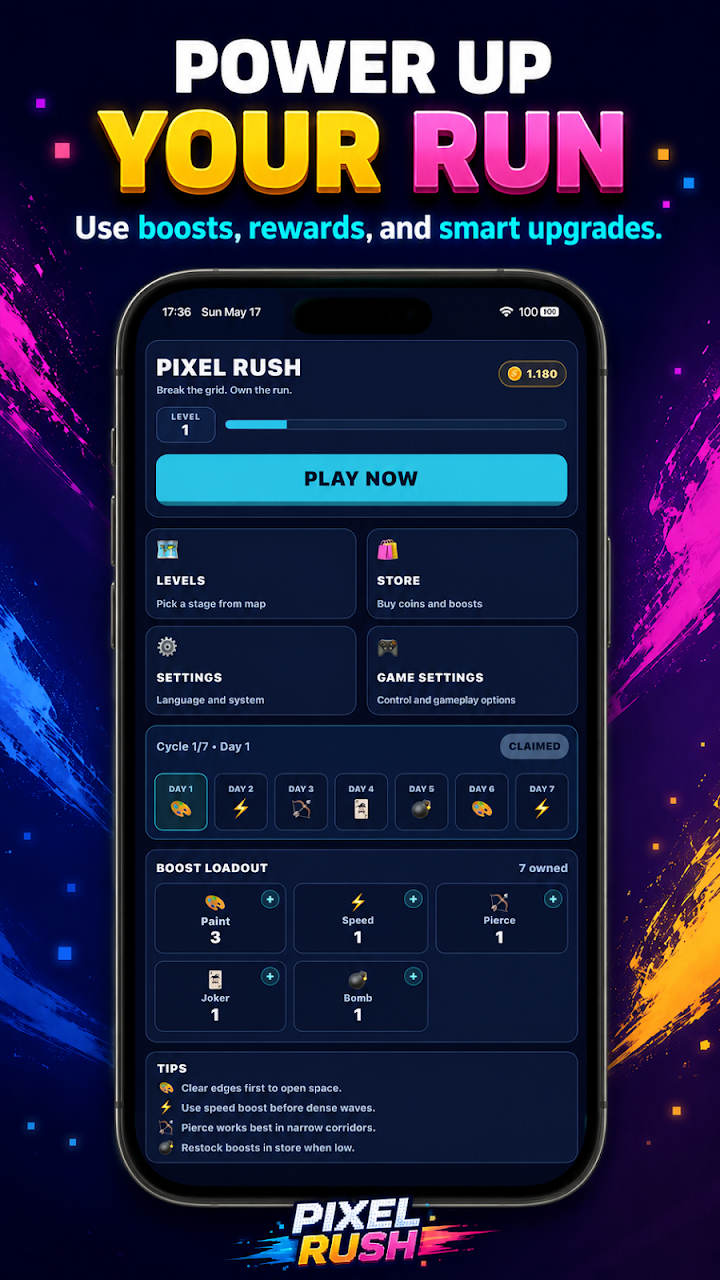
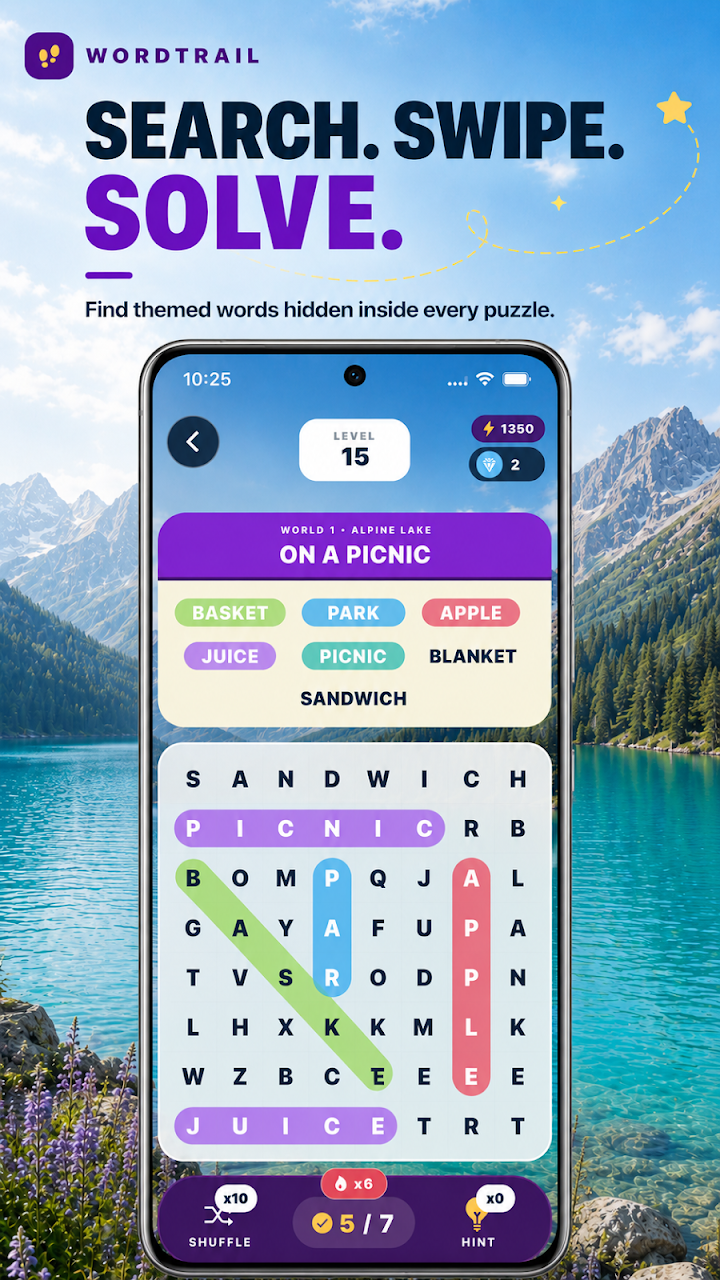
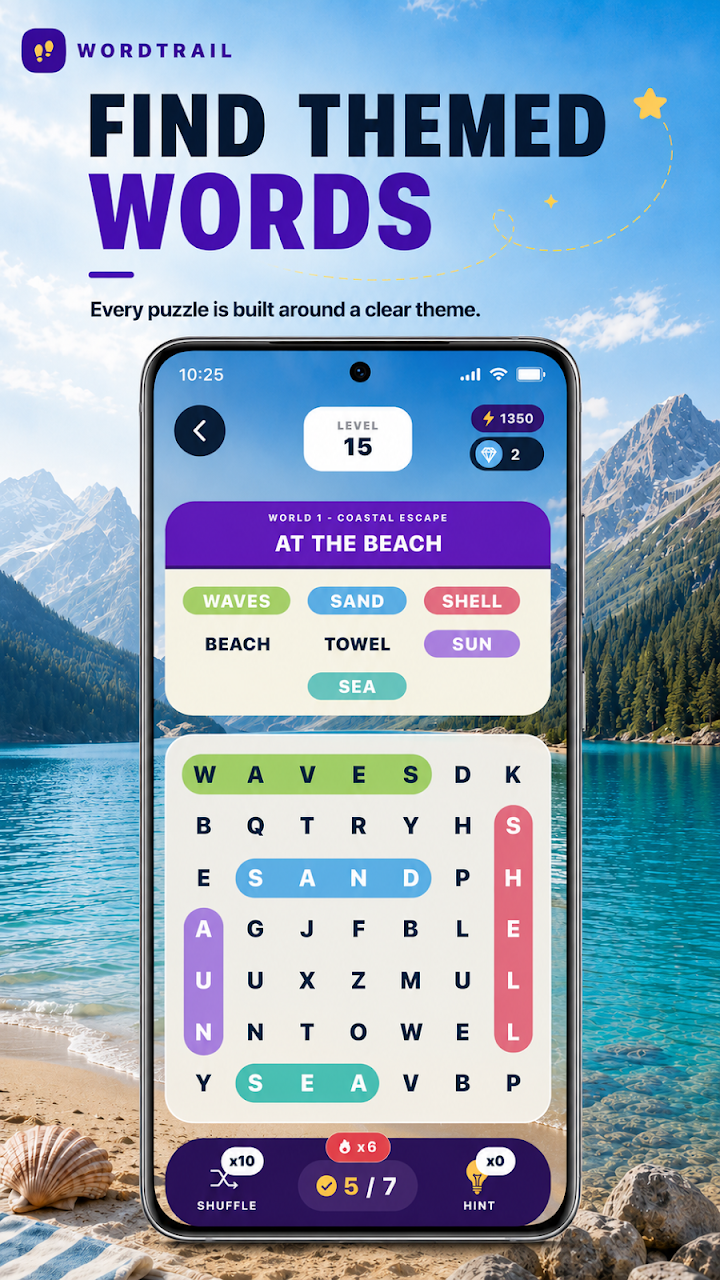
These are real product images from the stores, not evidence of the screens seen during the rejection.

More in this series
Explore the other lessons from our store review experiences.