
Store Review Experiences
Google Play privacy policy rejection: why a homepage link was not enough
What Pixel Rush and WordCrush review notices taught us about linking to a relevant, accessible privacy policy before submitting an app.
Updated: 2026-10-20
The real case
A link can open successfully and still lead to the wrong page. On 12 July 2026, Google Play told us that Pixel Rush’s SourSpark homepage link did not lead to a valid privacy policy. The following day, WordCrush received a notice saying its policy link did not reach an active or relevant page.
What to check
Copy the exact URL from Play Console and open it without signing in. The page should identify the app or developer and explain actual data practices. An HTTP success response alone is insufficient: a blank page, login screen or unrelated content can still block review.
Make the policy accessible inside the app too. Include advertising and analytics SDKs and compare the text with Data safety answers. VIP Betting Tips also received a June notice about its policy URL’s accessibility and format.
- Link directly to the relevant privacy policy.
- Open the link without signing in and from inside the app.
- Compare SDK behaviour, the policy and Data safety answers.
Confirmed outcome
The notices confirm the rejection reasons. A subsequent approval after the changes was not verified for this case study.
These checks can help reduce avoidable issues; they do not guarantee store approval.
Related game or app
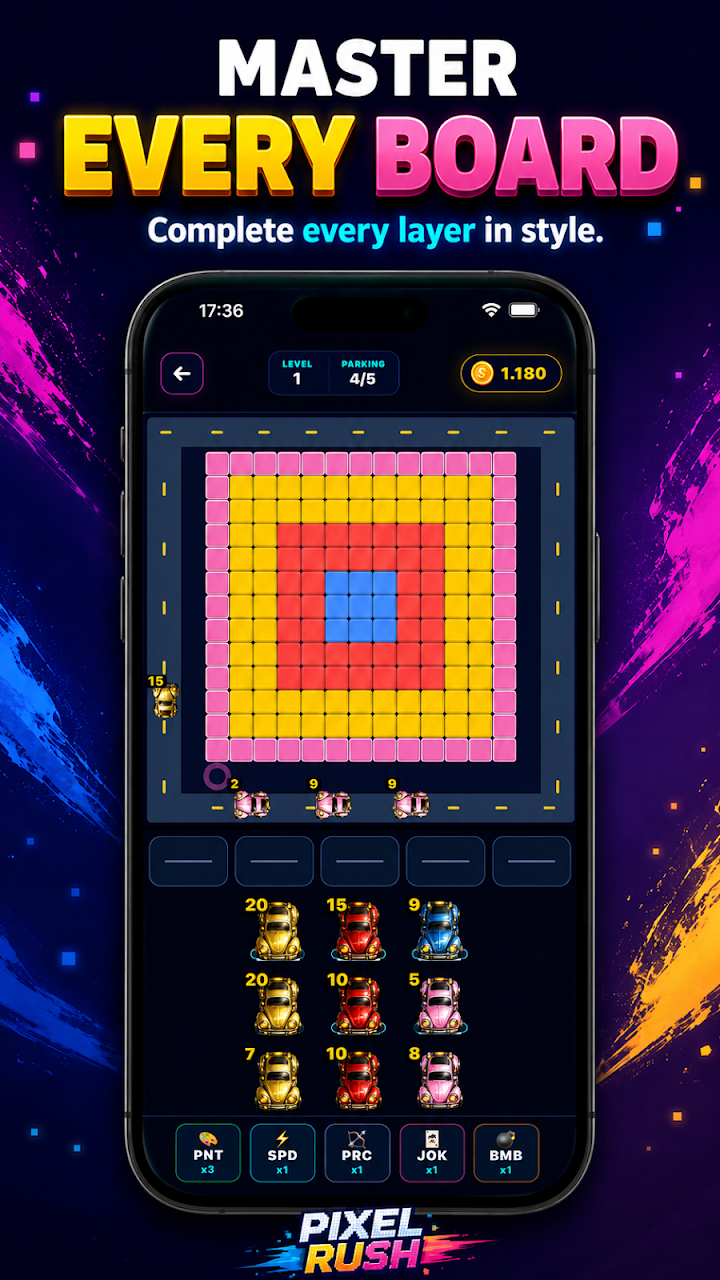
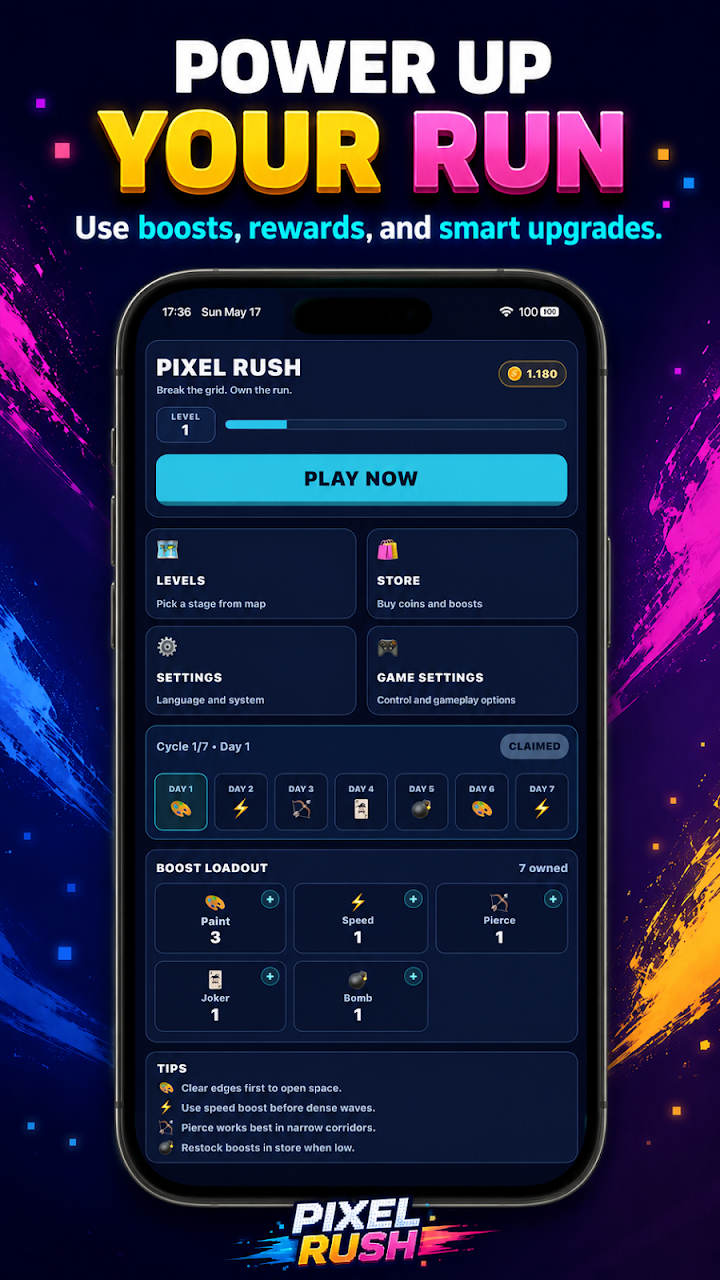
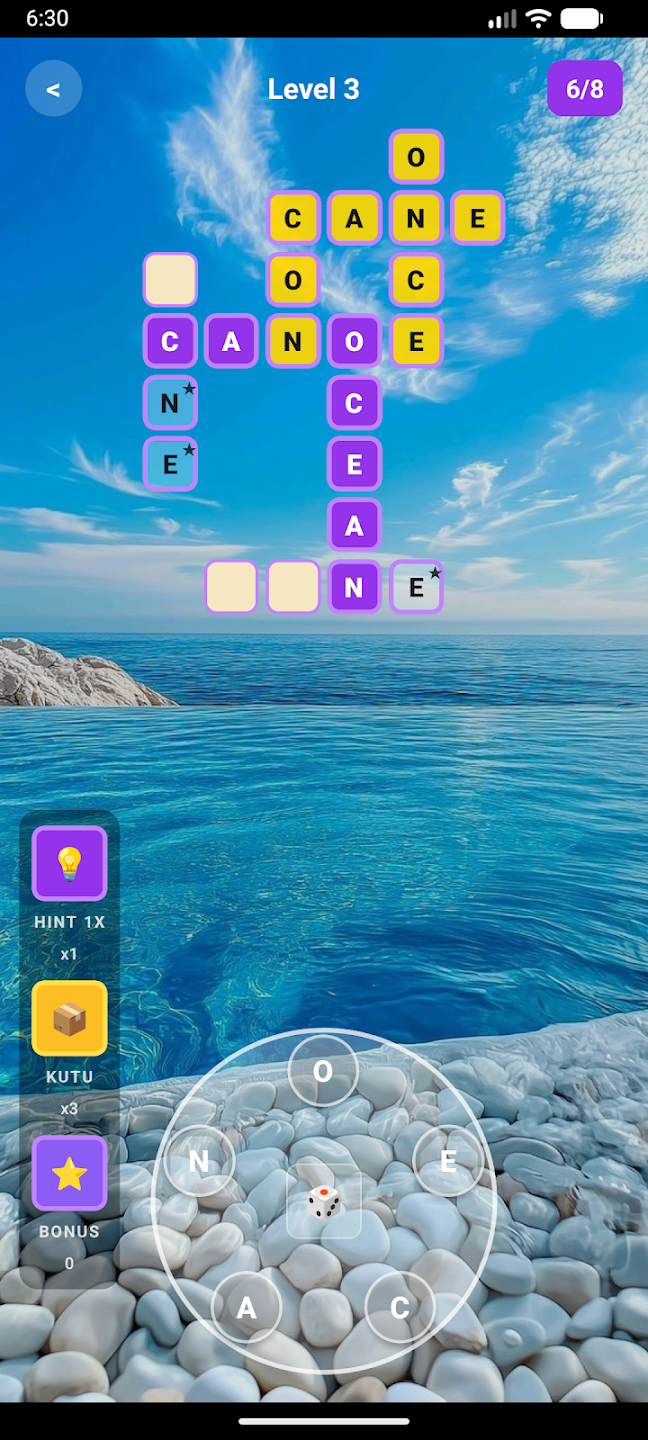
These are real product images from the stores, not evidence of the screens seen during the rejection.



More in this series
Explore the other lessons from our store review experiences.