SOURSPARK / BLOG
 Word-Search Guides
Word-Search Guides
Coloring the found word or marking it in the list can help organize your search. Instead of mentally re-searching for the completed goal, return to the remaining list. Check the meaning of the sign from in-game feedback.
Read article
SOURSPARK / BLOG
Word-Search Guides
Word-Search Guides
In the version reviewed, Journey focuses on progression, Relax on calmer play, Daily on the day’s puzzle and Challenge on different difficulties. Read the in-game descriptions to choose a mode that suits your goal. The modes available may vary by version.
Read article
SOURSPARK / BLOG
Word-Search Guides
Word-Search Guides
When a word appears, compare the spelling in the list with the string you have chosen, letter by letter. The error may be caused by the beginning, direction or last letter. Finding the first mismatched letter instead of trying again faster provides a clearer correction.
Read article
SOURSPARK / BLOG
Word-Search Guides
Word-Search Guides
Read the target list and choose one word. Scan the grid’s starting letters in a consistent order, then check the sequence you find. Once the game accepts it, move to the next target. This keeps you from having to remember every word at once.
Read article
SOURSPARK / BLOG
 Word Category Guides
Word Category Guides
First, look at the feature a word may share with other words, not just its dictionary meaning. The same subject, function or area of use can create a relationship. Before finalizing a category, check if other words that appear support this relationship.
Read article
SOURSPARK / BLOG
Word Category Guides
Word Category Guides
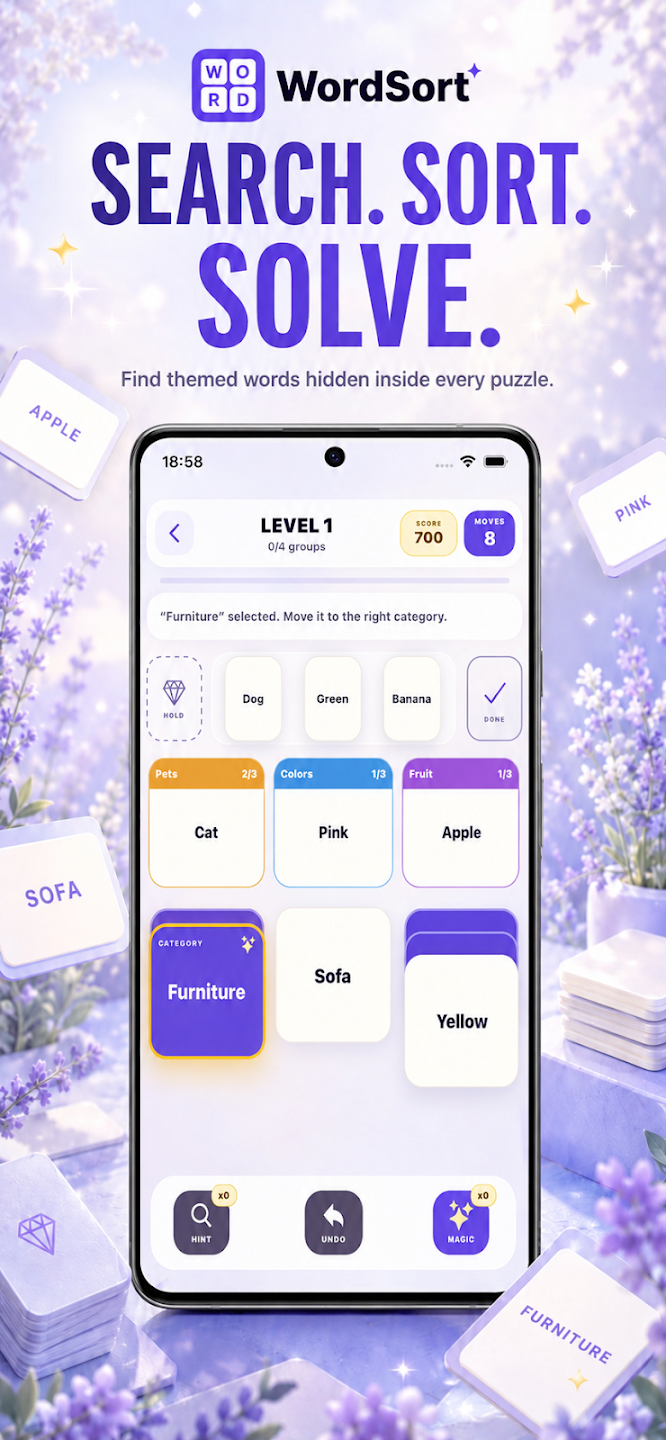
Although the card layout is seen in WordSort, the basic relationship is the meaning categories of the words. Directly carrying over the number and suit patterns in classical solitaire may create false expectations. Think together which card belongs to which category and what is opened by the move.
Read article
SOURSPARK / BLOG
Word Category Guides
Word Category Guides
A move is not just placing the visible card; it may affect the opening of the underlying card and the change of free space. Before moving it, check which category it will contribute to and which new option it will make visible.
Read article
SOURSPARK / BLOG
Word Category Guides
Word Category Guides
Some words may evoke more than one relationship. Instead of immediately concluding such a card, narrow down the categories with clearer examples. Other words on the board provide context; the first meaning of a word that comes to mind is not the only option.
Read article
SOURSPARK / BLOG
Word Category Guides
Word Category Guides
The empty column can provide flexibility to establish a new layout. However, filling the empty space immediately may reduce this flexibility. Consider whether the card to be moved advances the category or opens an important card.
Read article
SOURSPARK / BLOG
Word Category Guides
Word Category Guides
If the visible cards offer no useful move, check whether the stock pile can open up new options. First scan the board for possible word relationships so you do not overlook a move that is already available or introduce unnecessary uncertainty.
Read article
SOURSPARK / BLOG
Word Category Guides
Word Category Guides
In the version reviewed, Hint suggests a useful move, Magic makes a correct move and Undo reverses the previous one. Choose the tool according to whether you need guidance, help making a move or a chance to reconsider. Check its cost and limits in your current version.
Read article
SOURSPARK / BLOG
Word Category Guides
Word Category Guides
If it becomes difficult to explain common relationships when you add new words to a group, re-examine the initial category prediction. A good relationship should be able to be applied consistently to all selected words. Constantly changing the rule to reveal a single card can be a warning.
Read article
