SOURSPARK / BLOG
 Triple-Match Guides
Triple-Match Guides
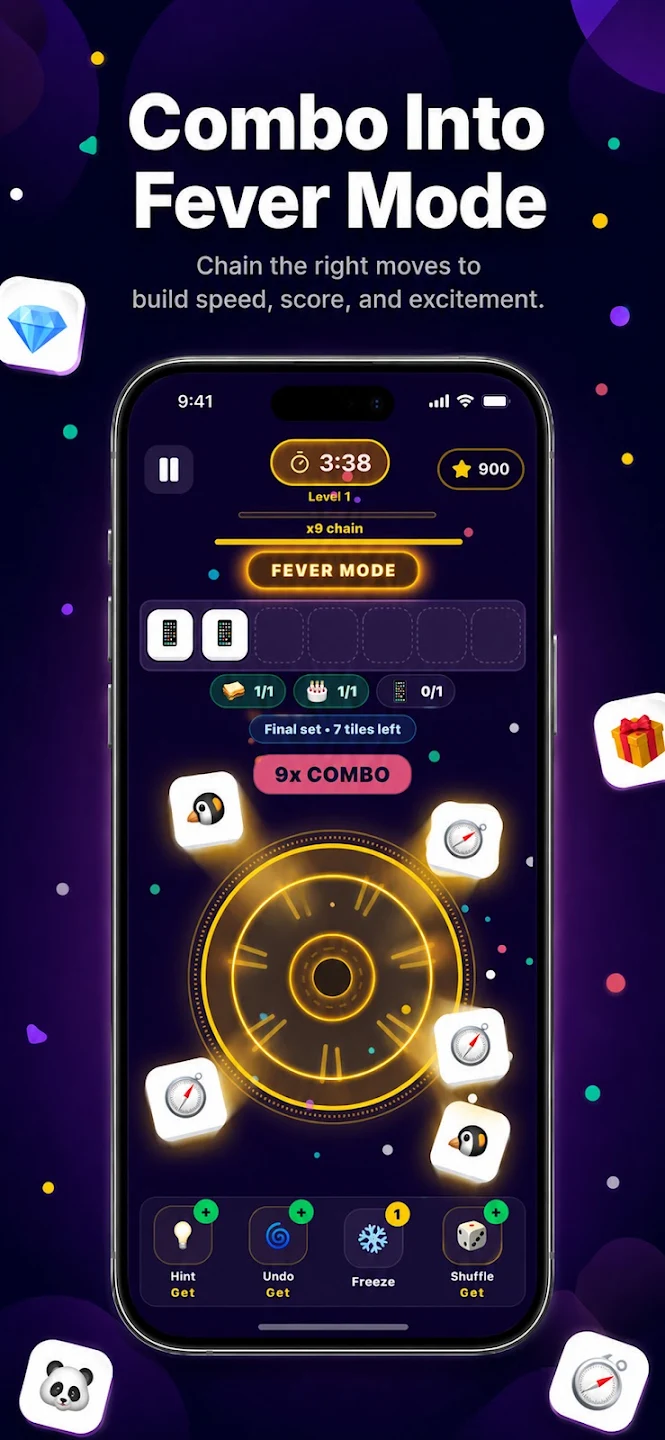
Similar shapes or colors do not always mean two objects match. Compare small visual details and check the game’s matching feedback. If an object is unclear, examine it again before selecting it.
Read article
SOURSPARK / BLOG
Triple-Match Guides
Triple-Match Guides
Pause before adding another object type and check which current groups you can complete. Some matching objects may still be blocked. If you need to uncover one, count the holding-area space that the intervening selections will use. When space is tight, not every new object type is equally useful.
Read article
SOURSPARK / BLOG
Triple-Match Guides
Triple-Match Guides
Consider which groups the selected objects will fall into as you remove the top layer one by one. Each lift opens up new space, but can also use space in the waiting area. Top layer cleaning and triple completion should be handled together.
Read article
SOURSPARK / BLOG
Triple-Match Guides
Triple-Match Guides
In the project, Classic and Rush are handled with different configurations. Compare the in-game description and your own session experience to understand which mode is right for you. Do not infer specific time limit or reward amount from the mode name alone.
Read article
SOURSPARK / BLOG
Triple-Match Guides
Triple-Match Guides
Review the moment when the first unnecessary object type entered the holding area, not just the final move. A blockage often builds up over several choices. On the next attempt, change that earlier choice and compare the space you have left.
Read article
SOURSPARK / BLOG
Triple-Match Guides
Triple-Match Guides
For a beginner, object type, accessibility, and waiting area are three separate checkpoints. Reading these before each choice provides a more understandable playing pattern than quickly tapping all similar objects.
Read article
SOURSPARK / BLOG
 Word-Search Guides
Word-Search Guides
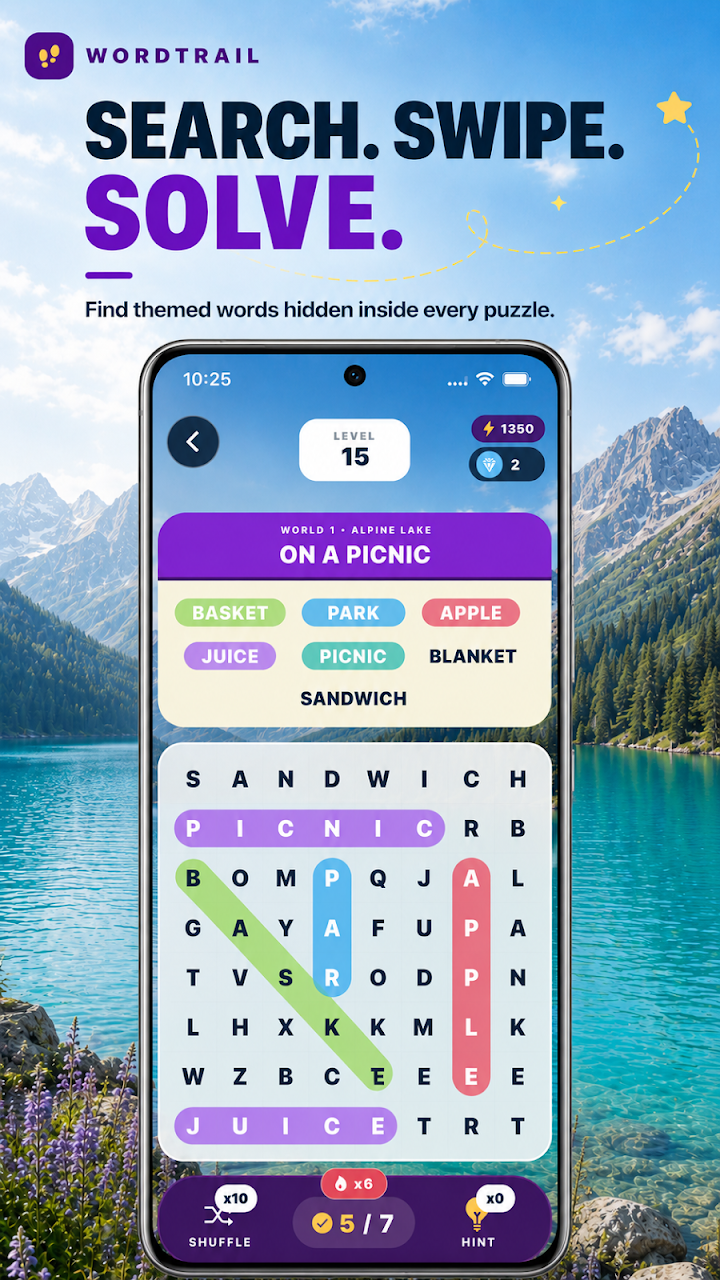
Instead of randomly looking at the entire board, establish a search order. First find the starting letter of the target word, then examine the possible directions. This way you can keep track of your scan instead of looking at the same area over and over again.
Read article
SOURSPARK / BLOG
Word-Search Guides
Word-Search Guides
A word that does not appear in horizontal and vertical searches may be diagonal. Look for the second letter from the diagonal neighbors of the initial letter, then continue keeping the same direction. Changing direction with each letter is not the same as a linear word choice.
Read article
SOURSPARK / BLOG
Word-Search Guides
Word-Search Guides
The searched word may be located opposite the reading direction you are used to. If it becomes difficult to proceed from the starting letter, find the last letter and check the sequence backwards. In the examined structure of WordQuest, reverse selection is supported; Check the rules separately for other games.
Read article
SOURSPARK / BLOG
Word-Search Guides
Word-Search Guides
Theme can make it easier to remember the semantic context of searched words. However, not every word suitable for the theme may be on the target list of the episode. First read the given list, then scan the table with those targets; the theme is helpful information and does not replace the target list.
Read article
SOURSPARK / BLOG
Word-Search Guides
Word-Search Guides
Instead of giving equal time to each starting letter, use the second and third letters for quick elimination. If a candidate's neighbors do not have the second letter, move on to the next one. This method can streamline scanning, especially for frequently used initial letters.
Read article
SOURSPARK / BLOG
Word-Search Guides
Word-Search Guides
For a long word, space is required for the continuation as well as the initial letter. Check if a candidate near the edge has enough letters in the selected direction. An early field check can reduce spending too much time on candidates who break down towards the end.
Read article
