
SourSpark · YouTuber Mobile Apps →
When does a YouTube channel need its own mobile app?
Define a repeatable audience need before building a channel app. A short guide to useful features, content flows and a focused first release.
Updated: 2026-11-01
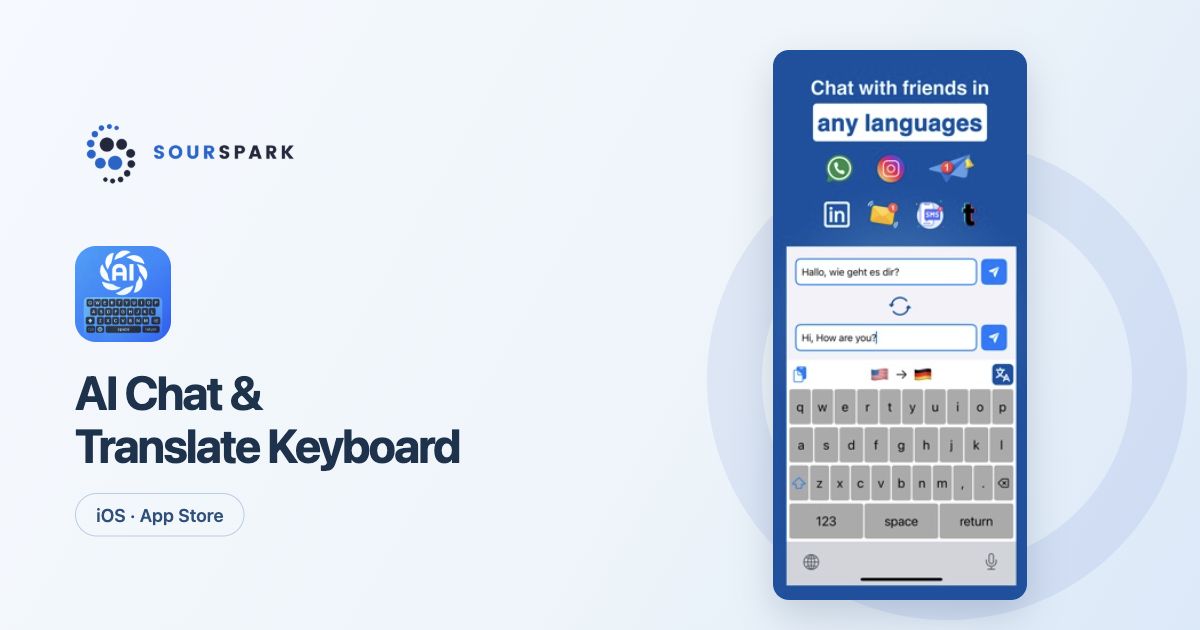
Images show our own released products, not a YouTuber client app. Store screens retain their original languages.
Find a need people return to
A channel app makes sense when it helps viewers do something regularly. That might mean finding their place in a course, following an event calendar or continuing a puzzle series. Describe the job the app will do in one clear sentence.
Give viewers a reason to use it
An education channel could organise a learning path and completed lessons. The same approach may not suit an entertainment channel. Speak with a few viewers to understand which needs recur and how they currently meet them.
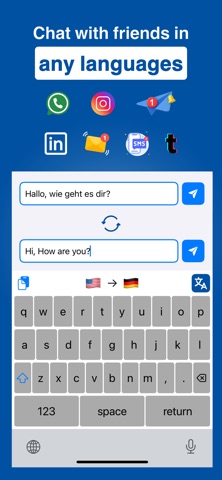
Images show our own released products, not a YouTuber client app. Store screens retain their original languages.
Define the first release
Choose one main flow: find something, use it and return later. Favourites or saved progress can support that flow when needed. Assess accounts, chat and notifications separately rather than including every feature by default.
Start a brief with SourSpark
Share your channel, audience and the job the app should do. In our channel app package, we plan screens, necessary server work, testing and release preparation around that need. The images show our own published product, not a YouTuber client app.
SourSpark
Let’s plan your channel’s first release
Share your channel, audience and core use case. Choose the scope in the form and review its summary before sending.
Prepare your project brief