
SourSpark · YouTuber Mobile Apps →
Which features belong in a YouTuber app’s first release?
Choose one core user flow and assess accounts, notifications and content features against it. Keep the first release clear and testable.
Updated: 2026-11-01
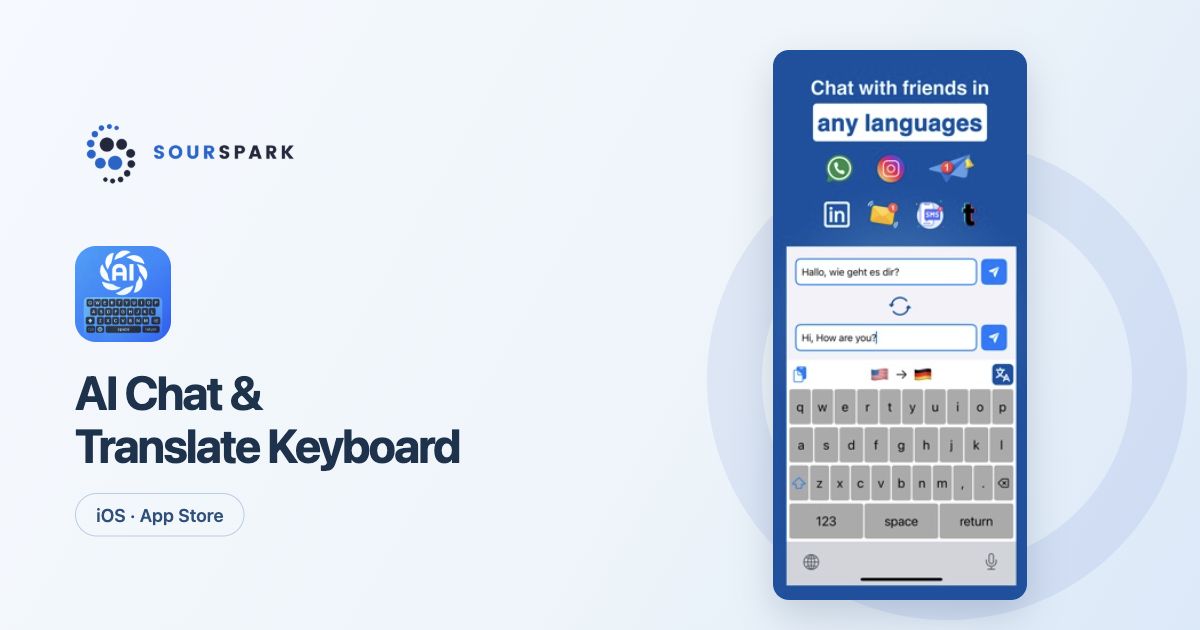
Images show our own released products, not a YouTuber client app. Store screens retain their original languages.
Start with one complete flow
What should someone do after opening the app? They might find and finish a lesson or begin a challenge. Defining that flow from start to finish gives the team a more concrete scope than a long feature list.
Connect features to real needs
A content list, detail screen and perhaps favourites may be enough to begin. Progress across devices adds account and server requirements. Before adding notifications, decide which event would actually make a message useful to the viewer.
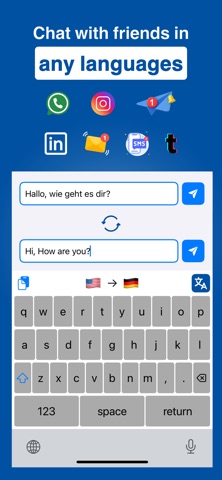
Images show our own released products, not a YouTuber client app. Store screens retain their original languages.
Write acceptance criteria
Finishing a screen involves more than completing its design. Consider empty content, loading and connection failures. For example, finding a saved item after reopening the app is an acceptance criterion the team can test.
Review the release by its scope
Separate features for the first release from those to assess later. You can select ideas in the project form; those choices are not a final delivery list. We agree the design and development scope after reviewing the brief.
SourSpark
Let’s plan your channel’s first release
Share your channel, audience and core use case. Choose the scope in the form and review its summary before sending.
Prepare your project brief