
SourSpark · YouTuber Mobile Apps →
How to plan the budget for a channel app
Break an app budget into design, development, server work, testing and maintenance. Use a clear shared scope when comparing proposals.
Updated: 2026-11-01
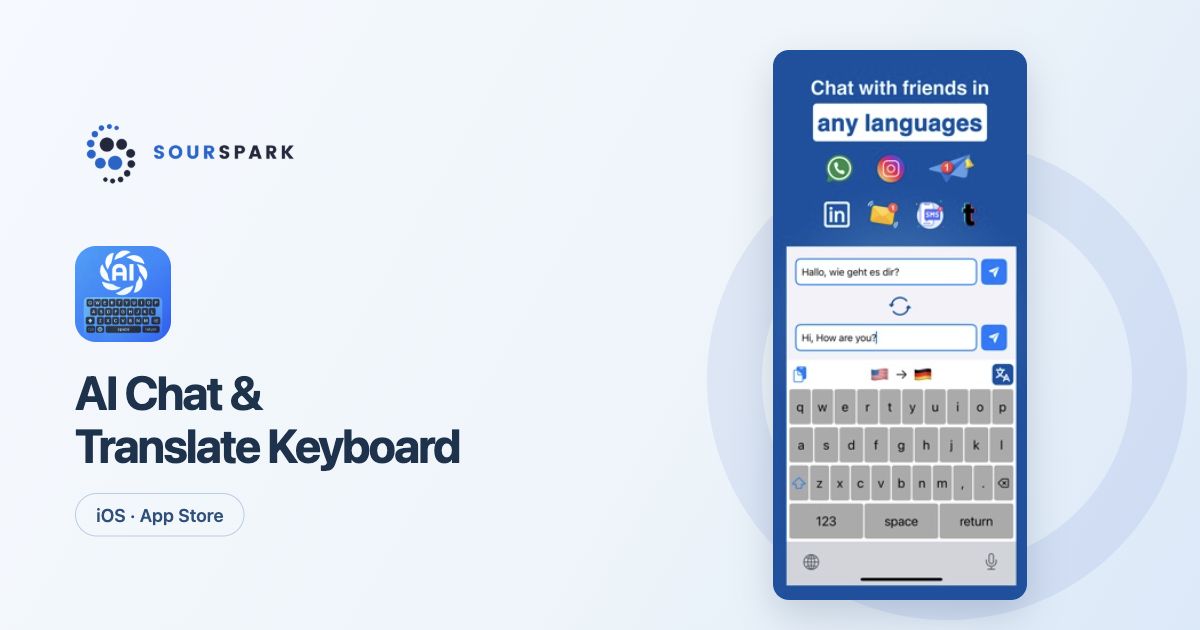
Images show our own released products, not a YouTuber client app. Store screens retain their original languages.
Compare the same product scope
Screen count alone does not explain a channel app budget. User flows, iOS and Android targets, accounts, admin tools and links to existing systems all affect the work. Give each studio the same product summary when requesting a proposal.
Make production items visible
Review discovery, interface design, mobile development, necessary server work, device testing and store preparation separately. Identify character design, animation or game levels where relevant. Ask what deliverable each item covers.
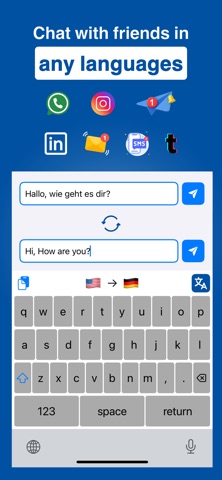
Images show our own released products, not a YouTuber client app. Store screens retain their original languages.
Plan beyond the release
Hosting, third-party services, new content and maintenance are different costs. Agree who pays each one and what support includes. Make clear whether a new feature request falls inside the maintenance scope or requires a separate estimate.
Use first-release decisions to manage scope
Protect the essential flow and separate features that can wait. Assess unsettled requirements rather than inventing a price or deadline. Our project form gathers the starting information; pricing, timing and deliverables are defined for the project after review.
SourSpark
Let’s plan your channel’s first release
Share your channel, audience and core use case. Choose the scope in the form and review its summary before sending.
Prepare your project brief