
SourSpark · YouTuber Mobile Apps →
How to measure the journey from a YouTube video to app use
Measure video, website, store and product activity separately. Use campaign links and clearly defined events to assess a creator app launch.
Updated: 2026-11-01
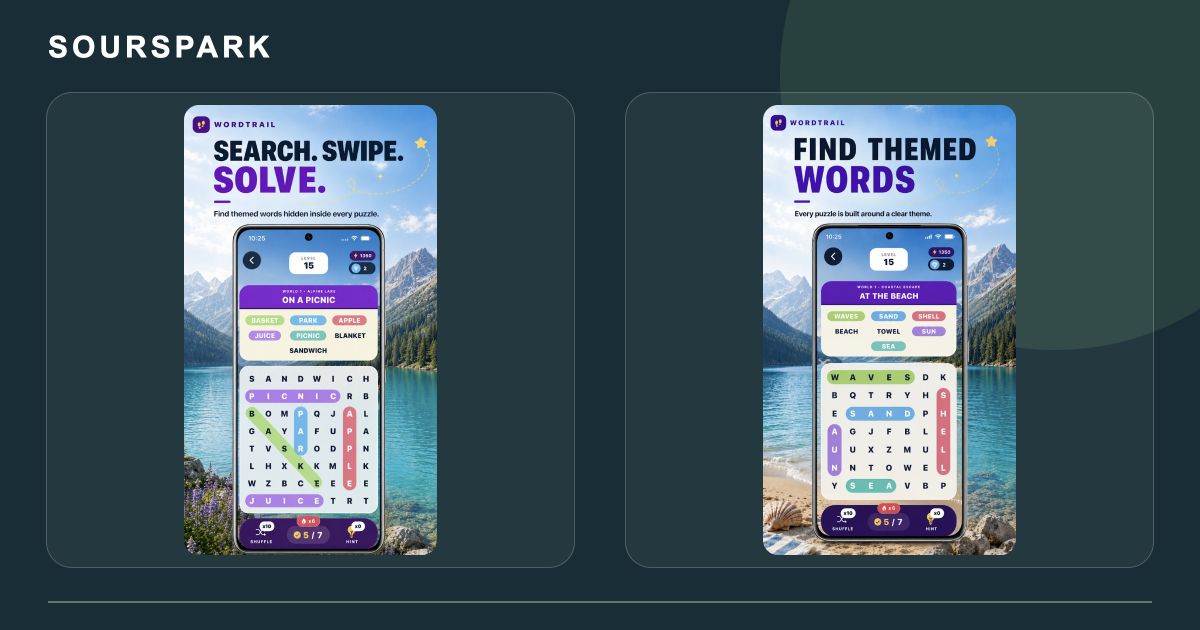
Images show our own released products, not a YouTuber client app. Store screens retain their original languages. This WordQuest image still shows the former WordTrail name.
Define separate measurement steps
A video view, promotional link click, store visit and app session are different events. Before launch, identify which data answers each question. A promotion can generate many clicks while its store performance needs a separate review.
Use consistent campaign names
Distinguish placements such as video descriptions, Shorts and channel profiles. Links to your website can carry source and campaign tags. Keep names, email addresses and other personal details out of form analytics events; assess aggregate results by source.

Images show our own released products, not a YouTuber client app. Store screens retain their original languages. This WordQuest image still shows the former WordTrail name.
Use the stores’ own reporting
Apple supports campaign links for measuring promotion performance. Google Play acquisition reporting also offers source and campaign breakdowns. Check each report’s definitions and coverage; a website click is not automatically an installation.
Review what happens after download
Define product events such as completing the first main action and returning on later days. Interpret which videos attract useful users within the limits of available reporting. Use the findings to improve the promotion, store assets and first-use flow together.
SourSpark
Let’s plan your channel’s first release
Share your channel, audience and core use case. Choose the scope in the form and review its summary before sending.
Prepare your project brief