
SourSpark · YouTuber Mobile Apps →
Accounts, notifications and progress in a YouTuber app
Choose accounts and notifications around actual audience needs. Plan saved progress, device changes and notification preferences before development.
Updated: 2026-11-01
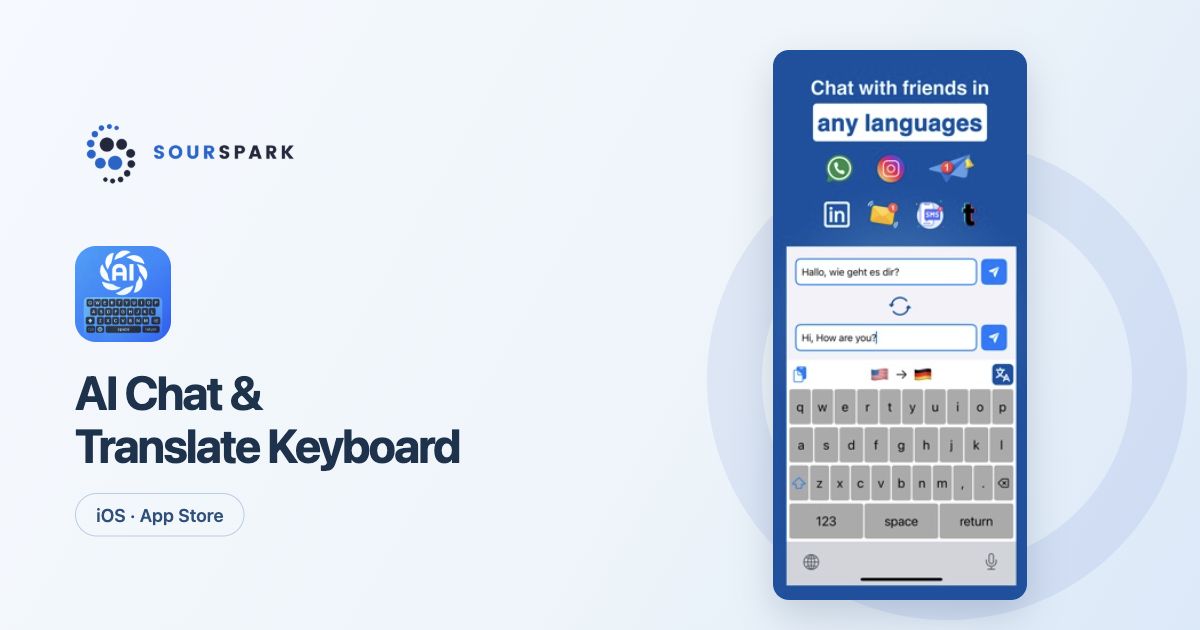
Images show our own released products, not a YouTuber client app. Store screens retain their original languages.
Ask what an account solves
An account may not be necessary on first launch if viewers only read content. Using the same progress on several devices or preserving a personal list changes the requirement. Make this decision alongside the core user flow.
Choose a specific notification purpose
A new chapter, a followed series or a reminder the viewer selected can provide a clear purpose. Plan the subject, frequency and preference screen. Take the viewer’s chosen interests into account when deciding which messages are useful.
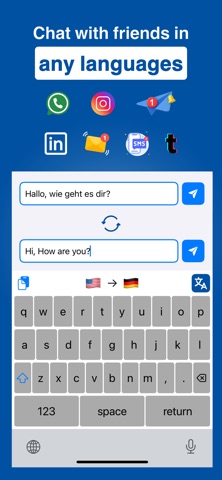
Images show our own released products, not a YouTuber client app. Store screens retain their original languages.
Define how progress is saved
Specify when content counts as complete. Write down the expected behaviour offline and after a device change. If the same account has conflicting progress on two devices, resolving that conflict belongs in development and testing.
Settle three questions in the brief
Do people need an account, what progress should be stored and when should notifications be sent? The answers shape screens, server work and testing. SourSpark plans these features around the product; our existing product images illustrate the approach.
SourSpark
Let’s plan your channel’s first release
Share your channel, audience and core use case. Choose the scope in the form and review its summary before sending.
Prepare your project brief