
SourSpark · Creator and Brand Games →
Designing character games for young audiences
Plan reading load, touch controls and feedback for a defined young audience. Check target-age declarations and relevant store requirements before release.
Updated: 2026-10-30
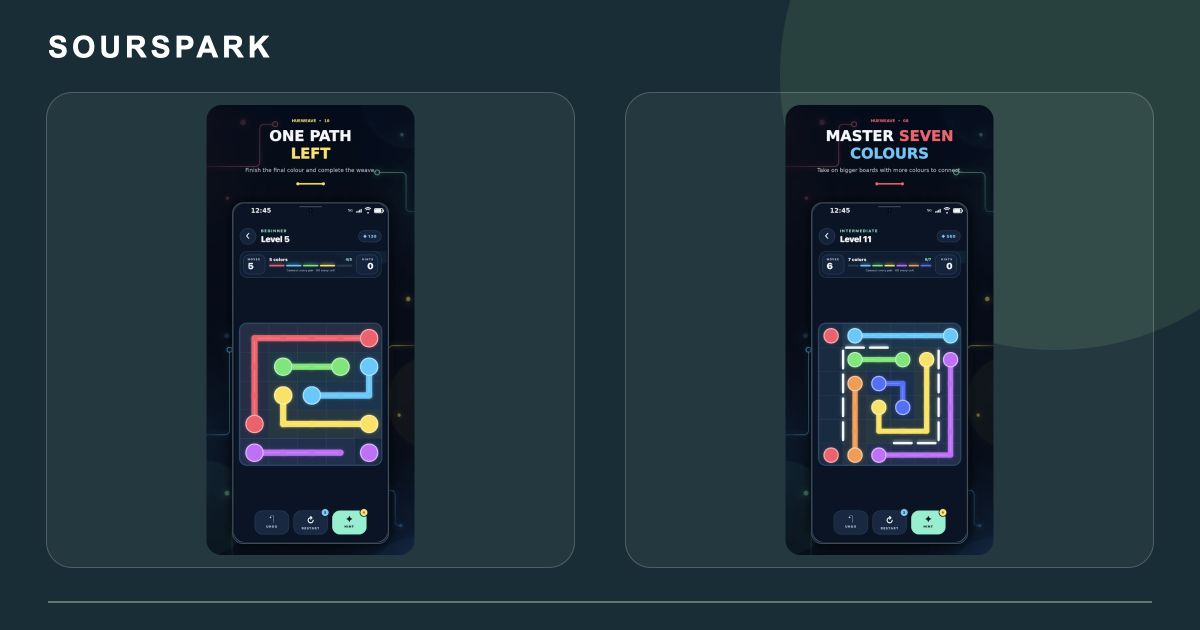
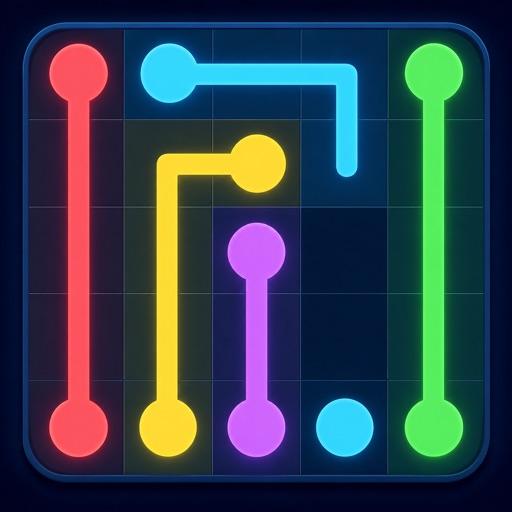
These images are from our own SourSpark projects and provide visual references for this topic. Original screenshots retain the app’s existing language.
Define the intended age range
Avoid treating all children as one audience. Adapt instructions, text volume and touch targets to the intended group. These design choices do not guarantee educational or developmental outcomes.
Observe a simple first task
Watch where players pause and which cues they misunderstand. Use an appropriate test setup with an authorised adult involved, and keep design notes without collecting unnecessary personal information.
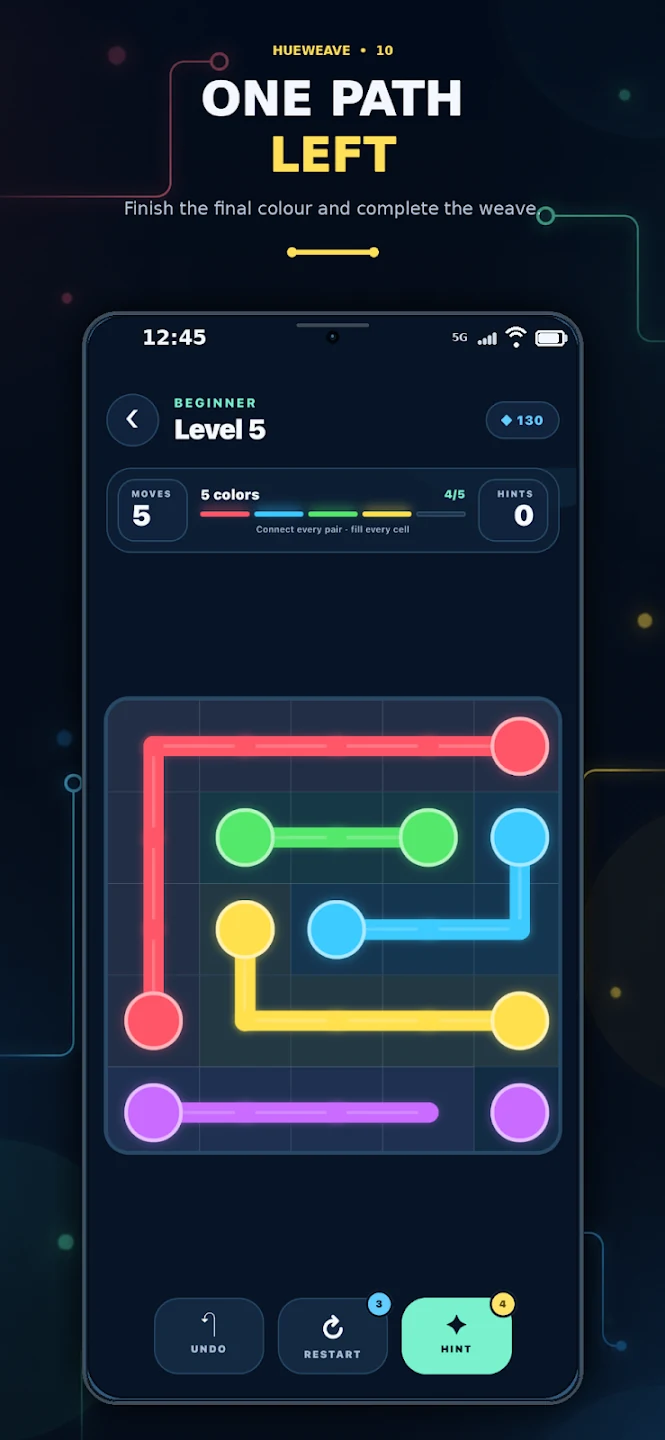
These images are from our own SourSpark projects and provide visual references for this topic. Original screenshots retain the app’s existing language.
Review the store scope
Google Play applies Families requirements when an app targets children. Review age declarations, data flows and services together. For Apple, check the relevant Kids Category requirements in its official guidance.
SourSpark
What game could your character belong in?
Share your channel, character and audience so we can define the first playable version together.
Tell us about your character and game