
Mobile Apps
Bible Widgets in the US: start your day with a verse
Explore Bible Widgets for Android in the US: choose a daily verse widget or a pinned favorite. See genuine app screens and the official Google Play link.
Updated: 2026-10-27
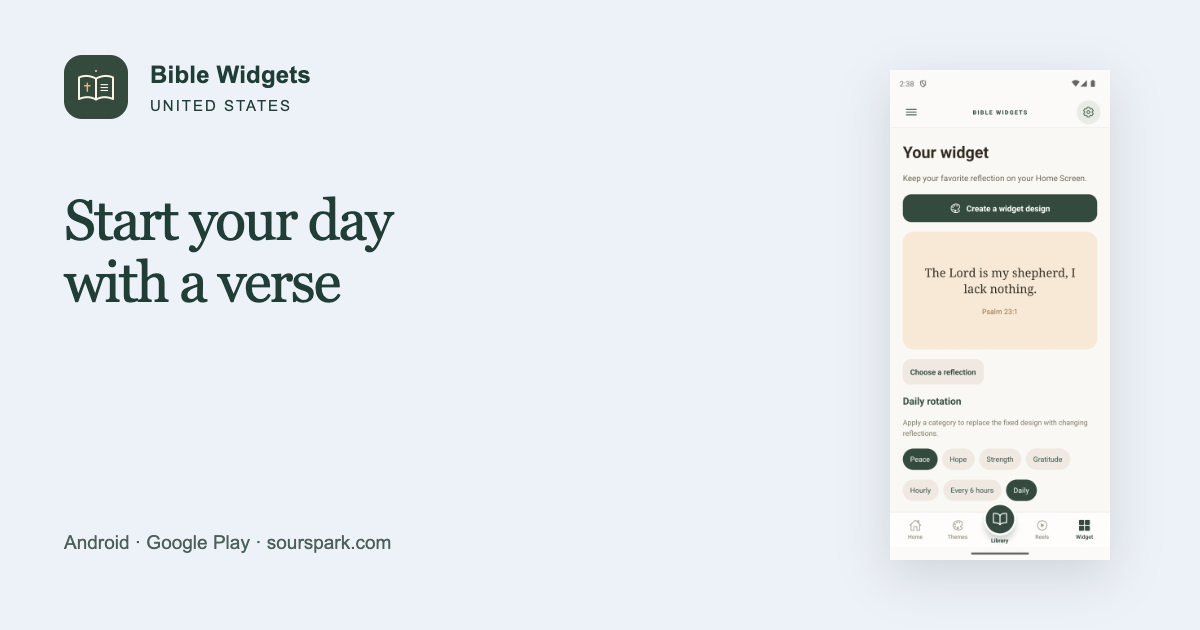
Make room for a daily verse on your home screen
Looking for a daily Bible verse widget for Android in the United States? Bible Widgets: Daily Verse lets you keep a chosen verse on your home screen without opening the app each time. This guide focuses on creating a simple space to see when you check your phone in the morning, and choosing between a daily rotation and a pinned favorite.

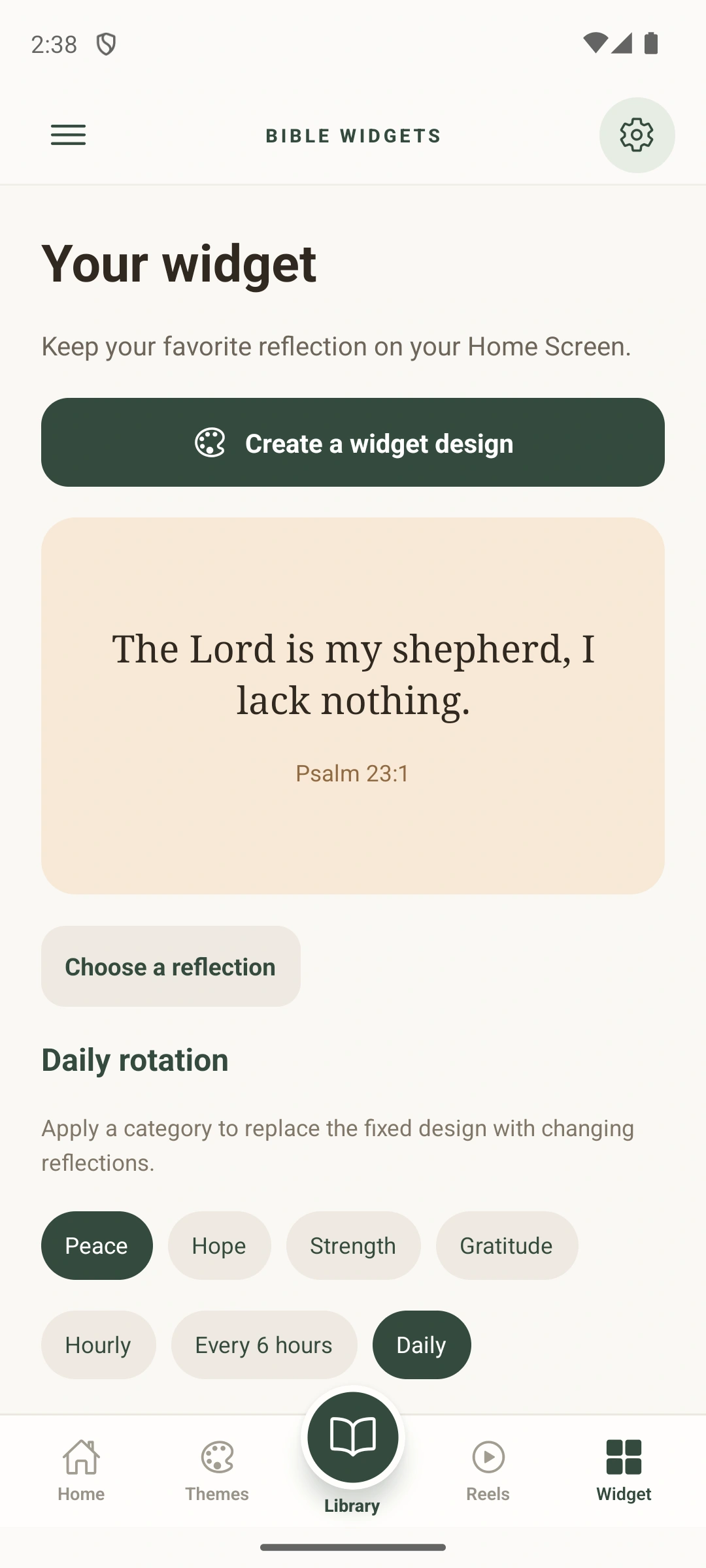
Original Google Play screenshots; the interface shown is in English.
A daily rotation or the same verse?
Choose a daily rotation if you want to see different verses. Pin a favorite if you would rather keep the same passage in view for a while. Start with one widget and check that both the text and its reference are comfortable to read on your home screen. The app’s widget preview can help you assess the design.
Build a small morning routine
Place the widget on a home-screen page you use often. Choose a high-contrast design if your background is busy. You can also use a daily reminder; notifications and widgets serve different purposes. English is one of the supported verse languages. The steps for adding a widget depend on your phone’s Android launcher.
A 12-second look at the app
Languages, purchases and download
The verse library supports English, Spanish and Portuguese. The interface also offers French, German and Italian. The app contains ads and optional in-app purchases. Premium designs and the separate ad-removal purchase are different products. Store availability can vary by country and device.