
Mobile Apps
Create a Bible verse wallpaper with a photo background
Use Bible Widgets photo themes to create a Scripture wallpaper. Adjust the font, colour and placement to keep your verse easy to read.
Updated: 2026-10-27
 Mobile Apps
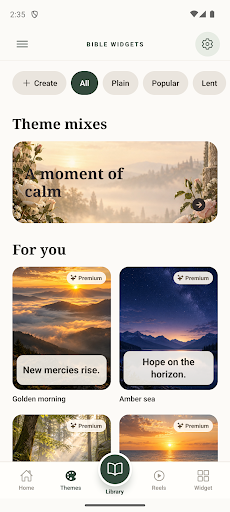
Design a verse for your screen
Start with a passage you want to keep close, then choose a background that supports it. Bible Widgets: Daily Verse provides photo and nature themes alongside controls for the font, colour, text size and placement.
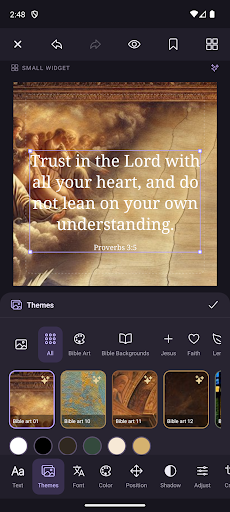
Original Google Play images; the interface in these screenshots is in English.
Put readability first
Try a simpler theme if the background behind the verse feels busy. Compare light and dark text, and consider where your phone’s icons will sit. Check the result on your screen before relying on the editor preview alone.
Choose the features that suit your design
The app supports using a design as a wallpaper or widget. Explore its supplied photo themes and adjust your layout. Some themes and design options require Premium; check the options and prices shown in the app before purchasing.
Languages and download
The Scripture library is available in English, Spanish and Portuguese. The interface also supports French, German and Italian. Store availability can vary by country and device.