
Mobile Apps
Bible Widgets in England: keep a favourite verse in view
Explore Bible Widgets for Android in England: pin a favourite verse or choose a daily rotation. See genuine app screens and the official Google Play link.
Updated: 2026-10-27
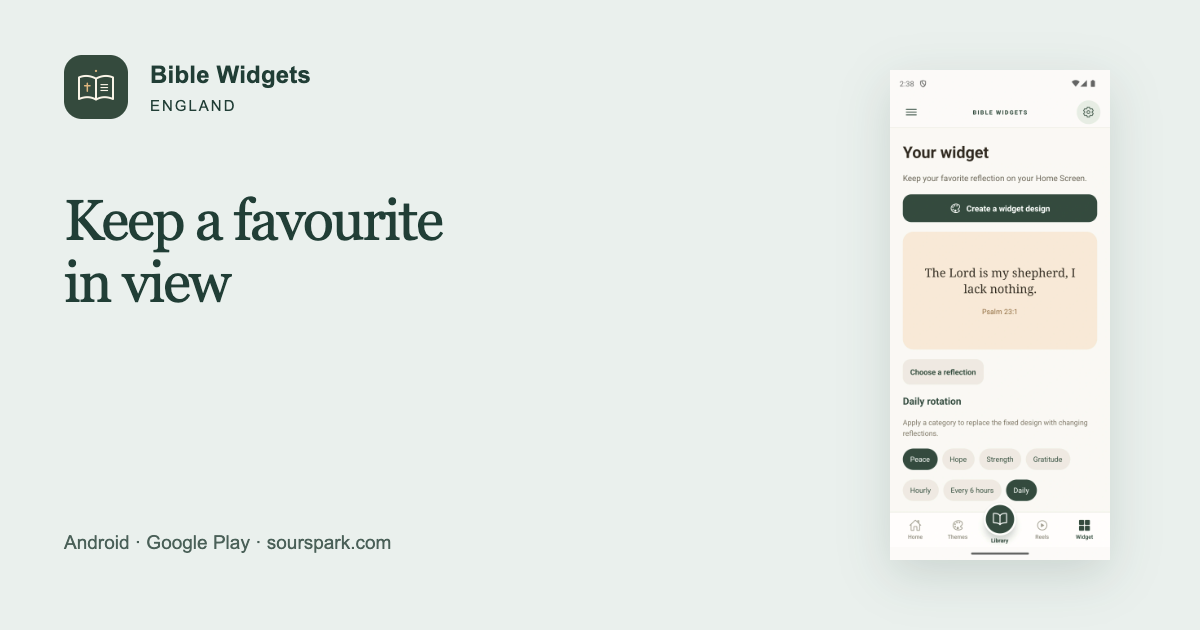
When you want to keep the same verse for a while
Looking for a fixed Bible verse widget for your Android phone in England? Bible Widgets: Daily Verse lets you keep a favourite verse on your home screen. This guide focuses on keeping your chosen passage in view and allowing enough space for the widget, rather than changing the verse each day. You can switch to a daily rotation whenever you prefer.

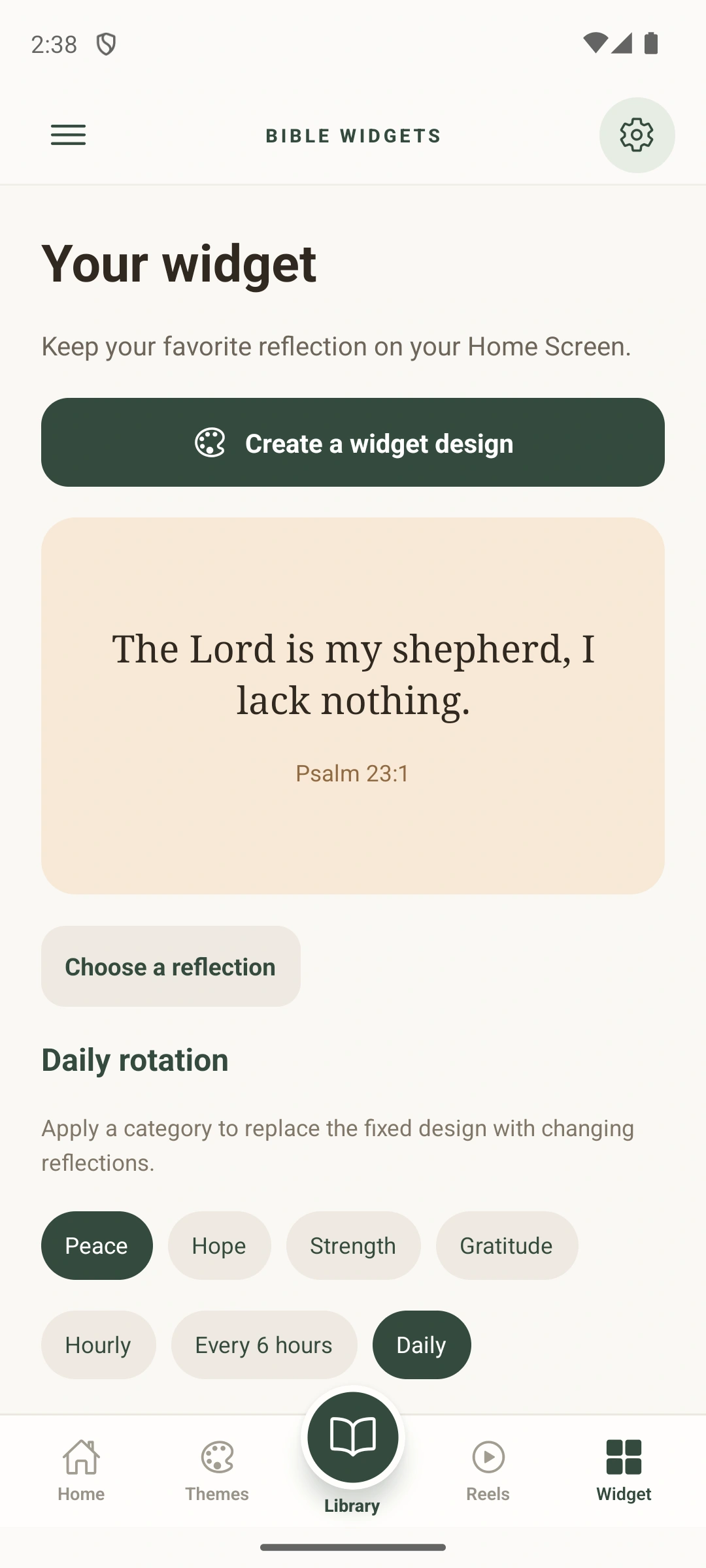
Original Google Play screenshots; the interface shown is in English.
Choose a favourite and check the size
Save a verse to favourites, then choose a fixed design in the widget settings. Consider which small, medium or large widget leaves enough room for the words. For a long verse, a larger widget may work better than very small text. The steps for adding it can vary with your phone’s Android launcher.
Widgets, reminders and the store region
A widget keeps the text on your home screen; a daily reminder is a separate notification feature. You do not have to use both. The verse library supports English, Spanish and Portuguese. The official Google Play link uses the United Kingdom region, GB. The genuine store screenshots here are English; availability can vary by country and device.
A 12-second look at the app
Languages, purchases and download
The verse library supports English, Spanish and Portuguese. The interface also offers German, French and Italian. There is no German or French verse library. The app contains ads and optional in-app purchases. Premium designs and the separate ad-removal purchase are different products. Store availability can vary by country and device.