
The story behind the product · 3 min read
A screen you can understand while moving.
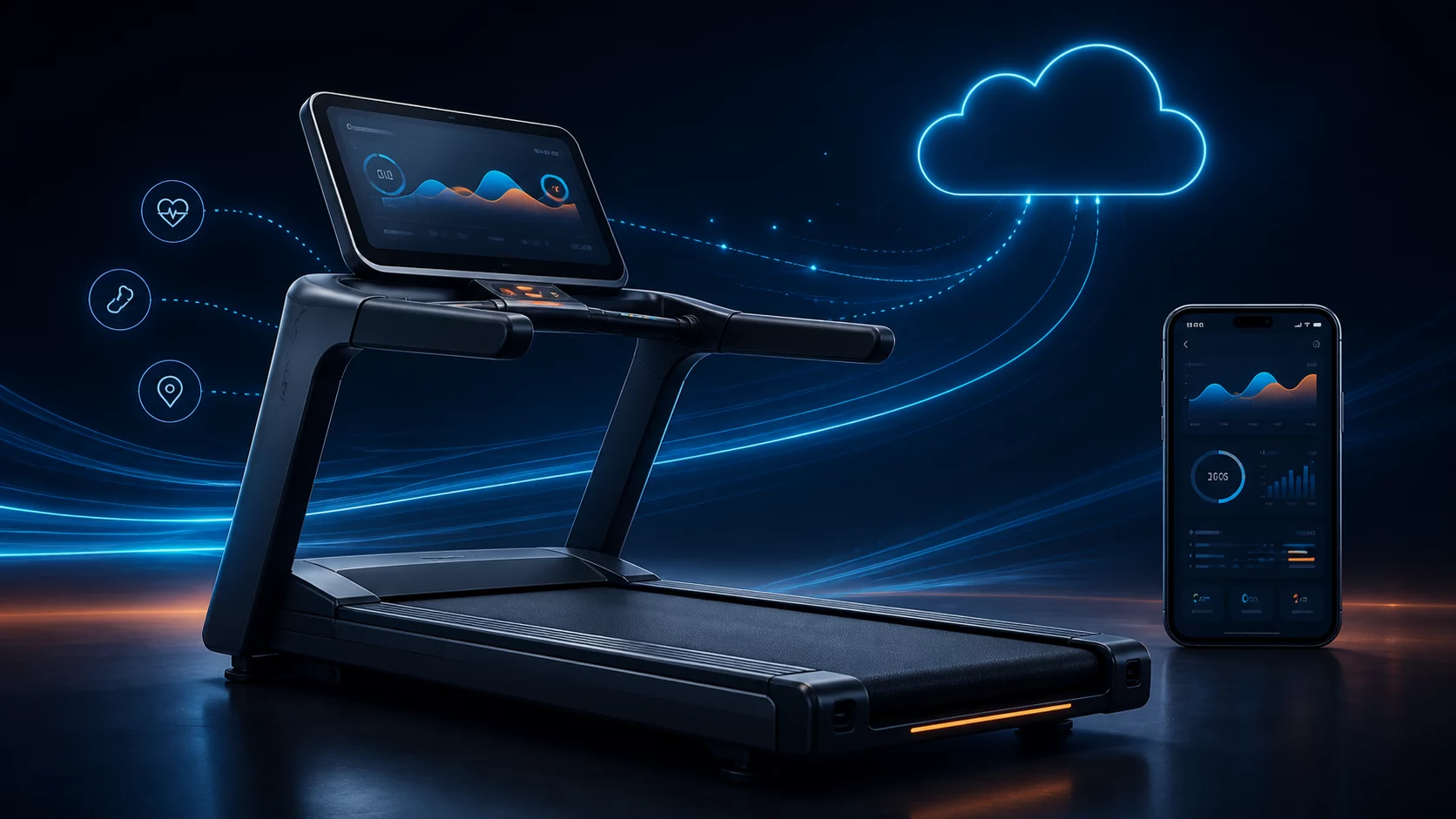
During a workout there is no time to inspect every detail. SmartFit creates a readable hierarchy between session metrics and device controls.
01 / Experience
Workout, controls and media in one experience
Start a session
Start/Stop and a countdown make the workout state visible, confirming that the screen has received the action.
Follow the essentials
Time, distance, cadence and energy share one layout. Circular gauges are designed for a quick glance.
Control and return
Speed and additional controls remain in the workout view. A media overlay can open and close without losing the route back to the session.
02 / Product structure
What sits behind the screen?
These areas support one experience through different responsibilities, keeping the user-facing flow simpler.
WorkoutStats
The model for displayed workout data.
CircularGauge
SVG gauges driven by units, color and limits.
ControlPad
A separate device-control interface.
MediaOverlay
Media selection and return to workout.
For the technically curious: code and architecture
React, TypeScript and Vite form the interface; Recharts draws the pace chart. React state manages timing and countdowns. The inspected local version simulates metrics and uses sample media cards, rather than proving live hardware data or completed video-service integration.
03 / Commercial structure
Commercial model and implemented boundaries.
SmartFit is device-experience software, not an ad-funded mobile game. Its commercial context is project delivery and interface software for a hardware customer.
The owner confirmed a commercial delivery for the German market. No subscription, in-app sales or advertising SDK was identified in the local interface.
04 / Publishing & growth
How does the product reach its audience?
Distribution centers on software delivery for a device screen, not App Store discovery. Display dimensions, readable controls and returning from media during a workout shape the presentation. Consumer ASO or ad campaigns are not asserted as verified channels.
05 / Development
From one idea to a product flow.
The short history moves from an initial interface to the SmartFit screen. Components separate gauges, controls and media from session state. The goal is an understandable hierarchy during movement rather than simply showing more information.
Based on reviewed local source, available Git messages and product records. Development features may differ from the store version; where available, screenshots come from the existing store presentation; module cards are explanatory diagrams.