
Fitness Technology
SmartFit: Bringing the Workout Experience to a Device Screen
The design and technical structure of a SmartFit interface that brings session tracking, device controls and media interactions together.
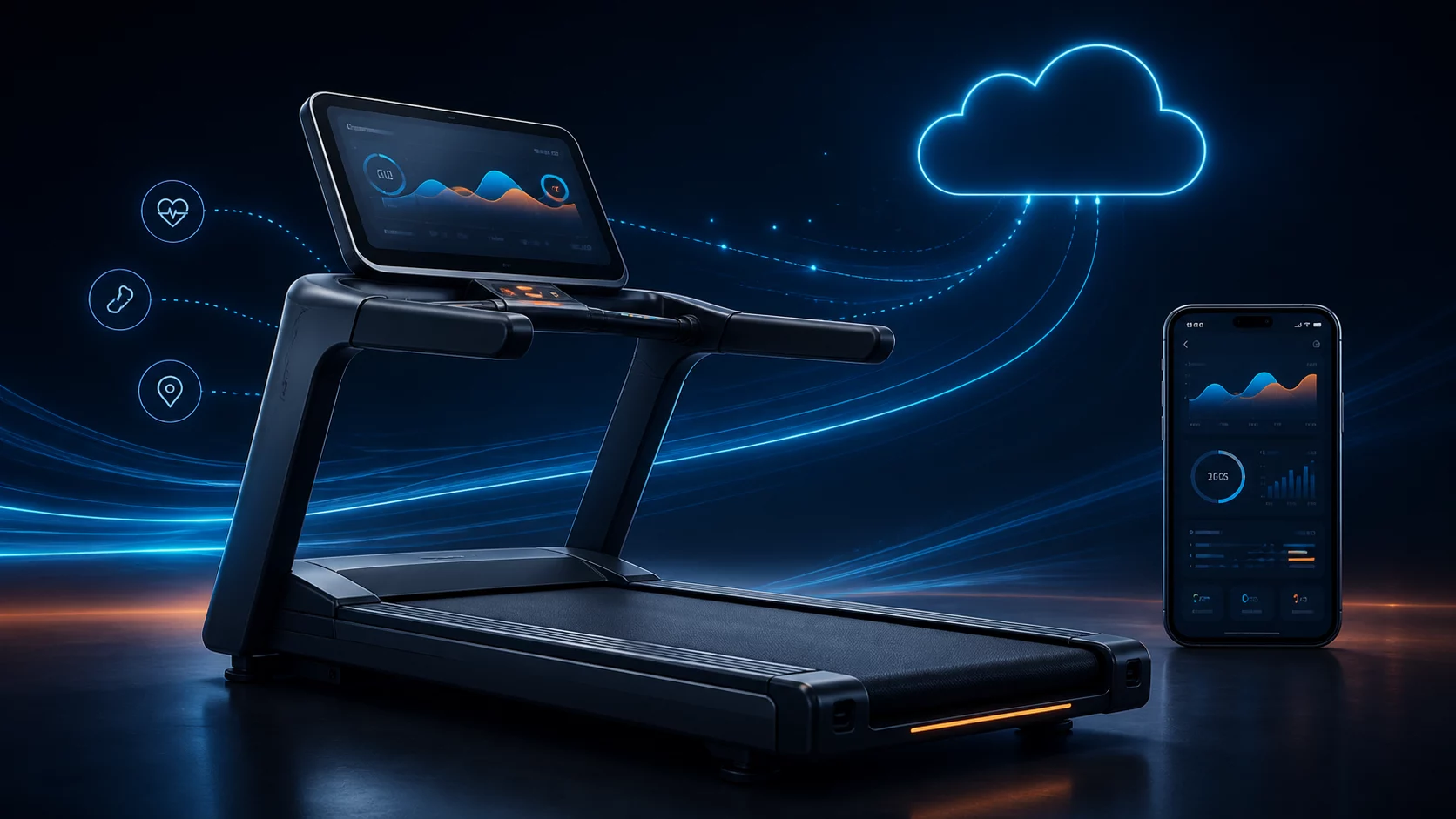
What should a screen do during a workout?
The value of a treadmill screen is not measured by how much information it displays. A person exercising should be able to read time, speed and distance at a glance, and change a setting without losing their place in the session.
SmartFit is a treadmill software project built around that need. Session information, adjustment controls and media views are treated as parts of one interface. Its commercial delivery for the German market provides an international product context for this device-screen work.
Three needs on one screen
Session time and the Start/Stop control occupy the centre. Circular gauges place cadence and energy information around that focal point. The lower area contains speed, vacuum and infrared-level adjustments, while side panels hold additional controls and media selection.
The layout establishes a hierarchy between frequently viewed information and less frequent actions. Users first see the session state, then reach the control they need. The goal is to reflect the order of use rather than give every function equal visual weight.
Making session state visible
Starting a session opens a three-second countdown. The timer advances during a running session and stops updating when it is stopped. Time, distance and other fields share a WorkoutStats data model.
React maintains running and countdown states separately. A useEffect hook manages and cleans up the timer. This connects screen updates to the session lifecycle. For the user, the result is an understandable change of state after each action.
Reusable gauges and clear component boundaries
CircularGauge accepts a value, maximum, label, unit and colour to render an SVG gauge. The same component can represent different metrics with a consistent visual rule, reducing repeated work as the screen evolves.
React and TypeScript define the interface, while Recharts handles the pace chart. Typed fields make the data model explicit; component boundaries separate timer, control and media behaviour. Side panels are simplified at narrower screen widths.
Returning from media to the workout
Media selection opens as a separate overlay that users can close to return to the workout. The media view is separate from the main component holding session data.
In the inspected interface, example cards represent media content. This work demonstrates selection and return flows rather than a completed video-service integration. Media can occupy the screen, but users still need an obvious route back to their session.
From interface state to device data
The local interface simulates cadence, calorie and distance updates, and uses sample data for the pace chart. This allows screen states to be explored without hardware. In a device integration, measurement and control layers would provide the corresponding data.
A control request and a confirmed device state are distinct: touching the speed-up button expresses a request, while feedback from the device confirms the resulting speed. SmartFit provides a concrete interface model for considering the user experience alongside those device responsibilities.