
SourSpark · Creator and Brand Games →
Commissioning a character game for your website
Plan a custom HTML5 brand game: characters, mobile controls, website integration, loading time and measurement, with real SourSpark visual examples.
Updated: 2026-10-30
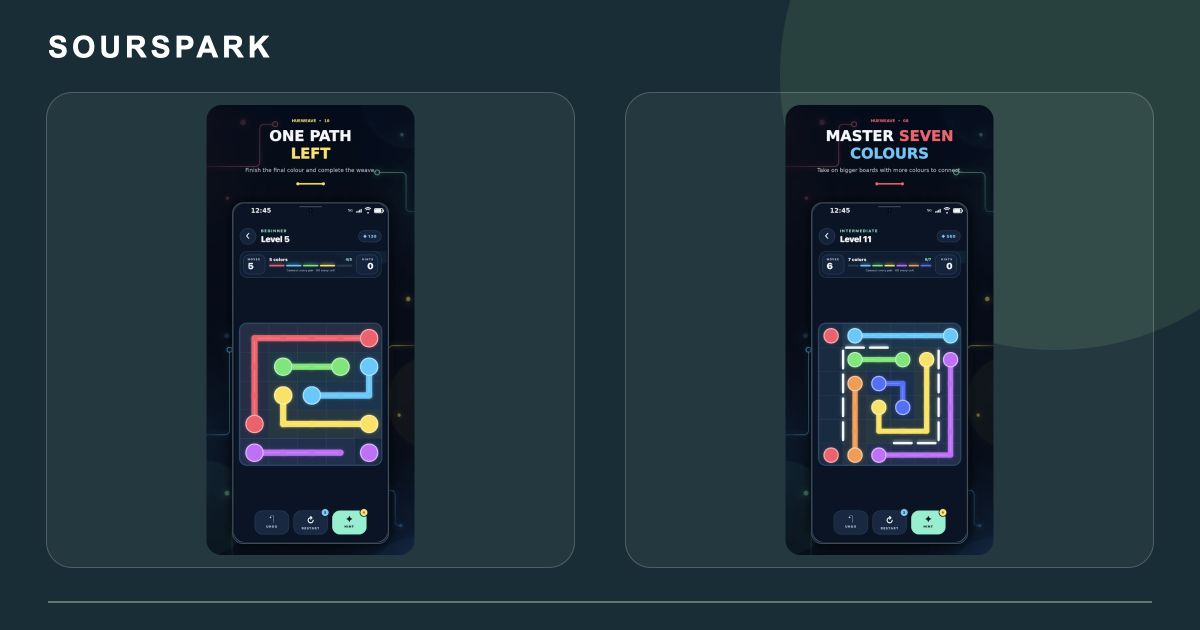
Images are from SourSpark’s own projects and illustrate the production approach discussed here. Genuine SourSpark product screens; images retain the app’s original language.
From the link to the first move
The opening screen should make the task clear. A character introduction, short objective and simple control scheme provide a useful starting point. Test touch targets and loading time in a phone browser during the first prototype.
Define the boundary between site and game
Will the game have its own page or sit within an existing site? Plan hosting, orientation, sound activation and restarting. If you need saved scores or sign-in, include the server and data flow in the scope rather than treating them as finishing touches.
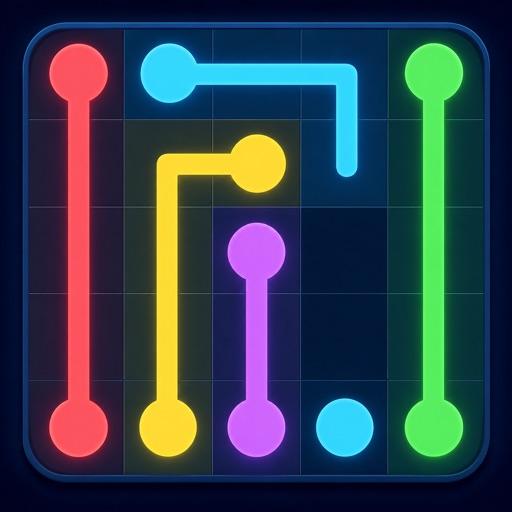
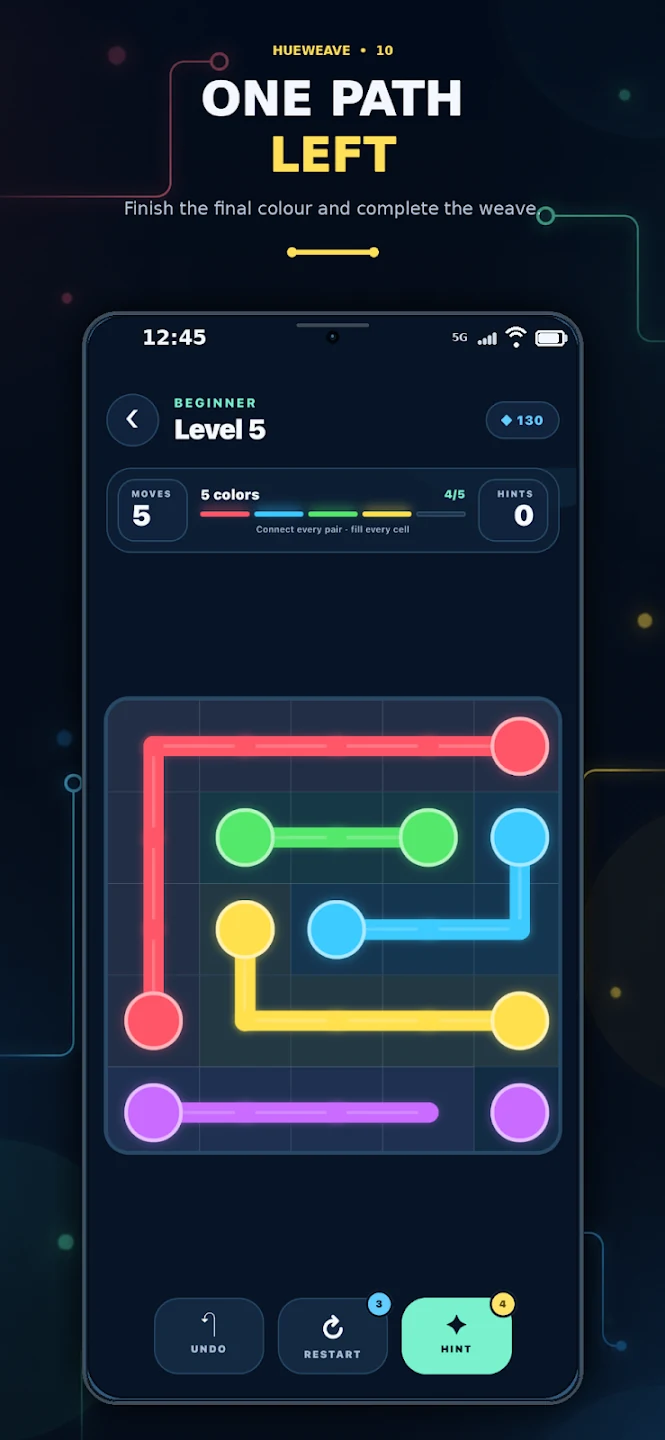
Images are from SourSpark’s own projects and illustrate the production approach discussed here. Genuine SourSpark product screens; images retain the app’s original language.
Plan what happens after the campaign
Agree on continued access, retirement, content changes and maintenance before release. Measure game starts separately from completed tasks. The genuine SourSpark mobile screens in this guide illustrate the discussion of controls and visual style.
SourSpark
What game could your character belong in?
Share your channel, character and audience so we can define the first playable version together.
Tell us about your character and game