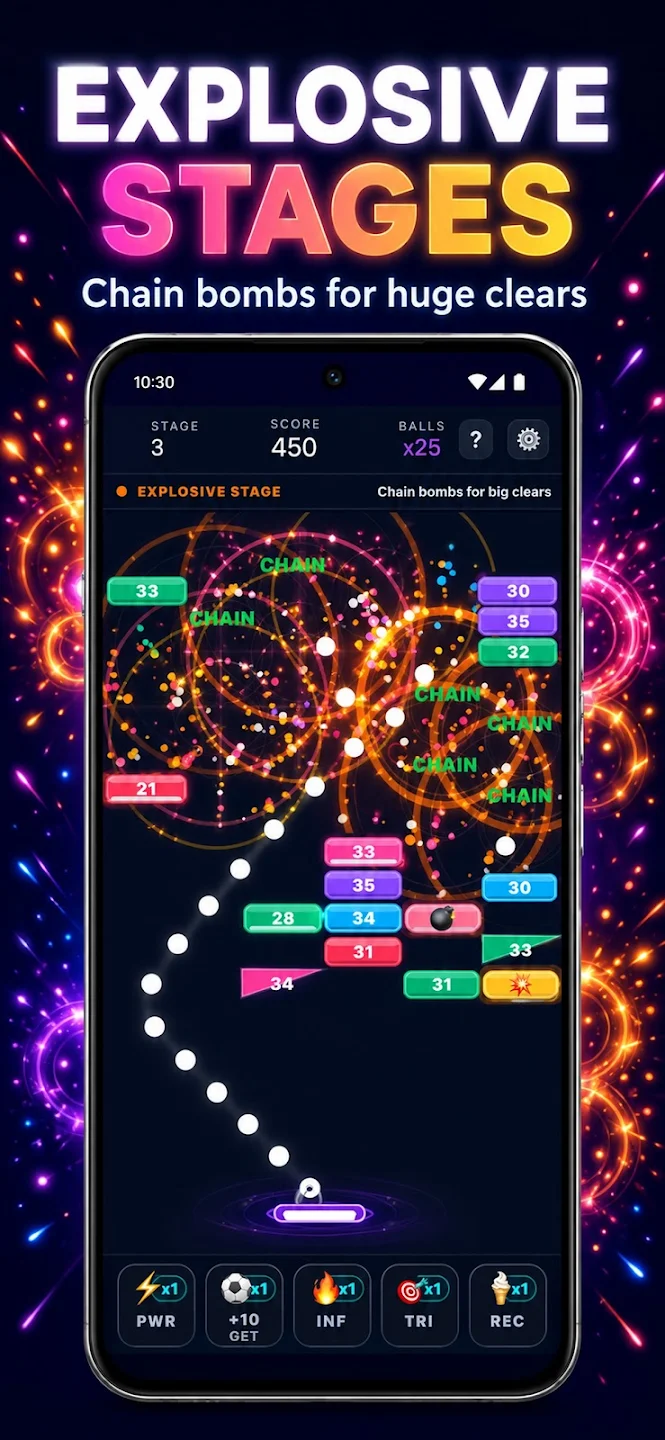
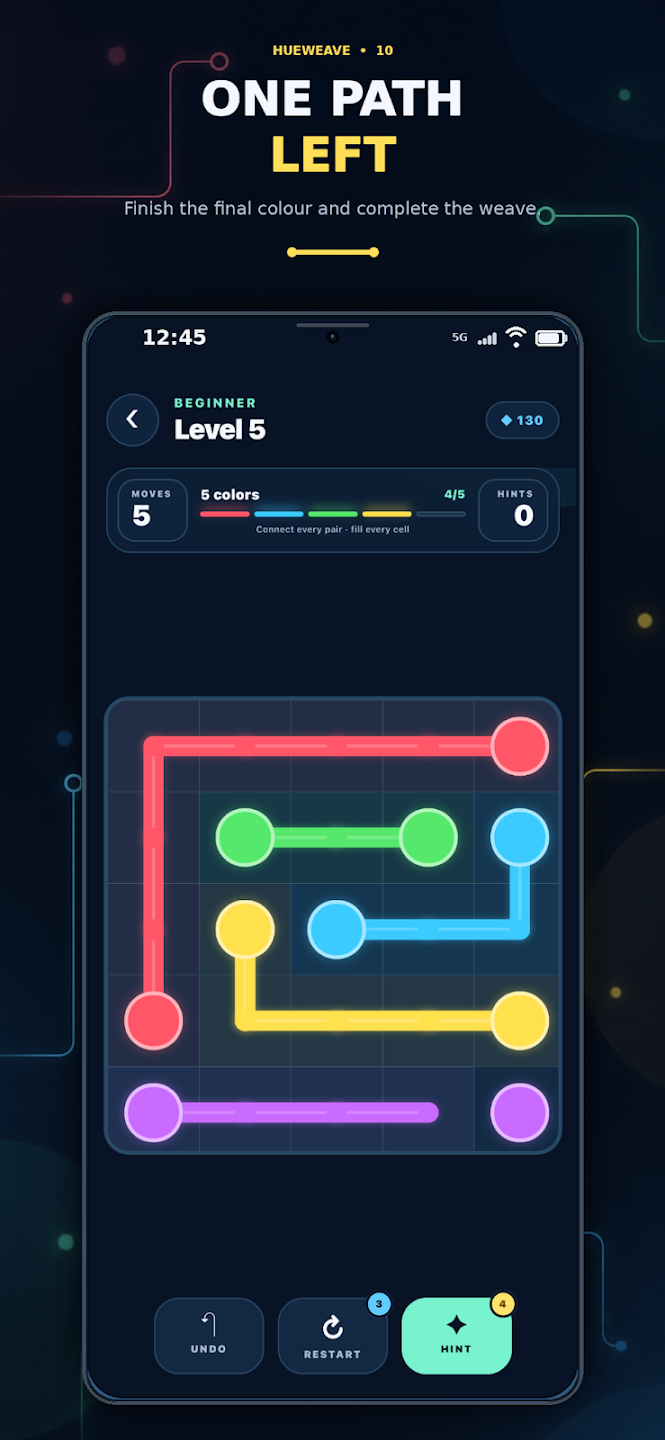
In brick breaking you choose the angle and watch the result of the move. In a laser puzzle, you connect the target by arranging the pieces of the path. The difference between Bricks Breaker and Laser Bounce isn't just the visual theme, it's the decision the player controls.
Check whether the real playing field, the player's move and the target can be understood in the first image. A beautiful cover image alone does not describe the gameplay. If the same mechanics are seen in other screenshots, you can establish expectations more clearly.
In a short gameplay video, watch the player’s actions before focusing on visual effects. Is the link between each move and its result clear? Compare SourSpark Games videos with the store page, and check whether they represent the current version.
Colorful graphics are not automatically easy to read. Object shapes, outlines and clear targets matter too. View screenshots at phone size and check whether shapes or other cues let you understand the game without relying only on color.
Read the official store link, device compatibility and game description together. Check pricing, in-app purchases or advertising information in the store. Store registration and version information may change over time; a blog title does not replace these.
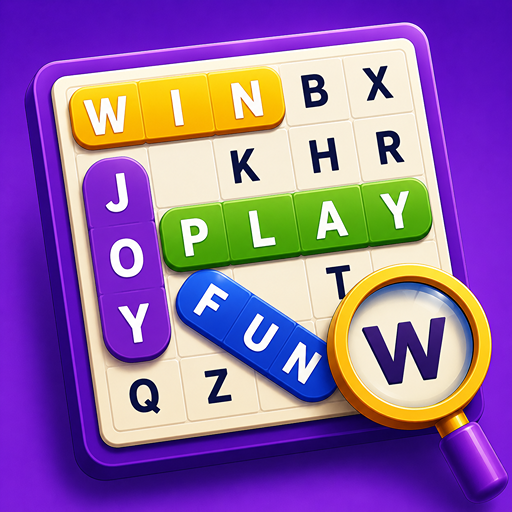
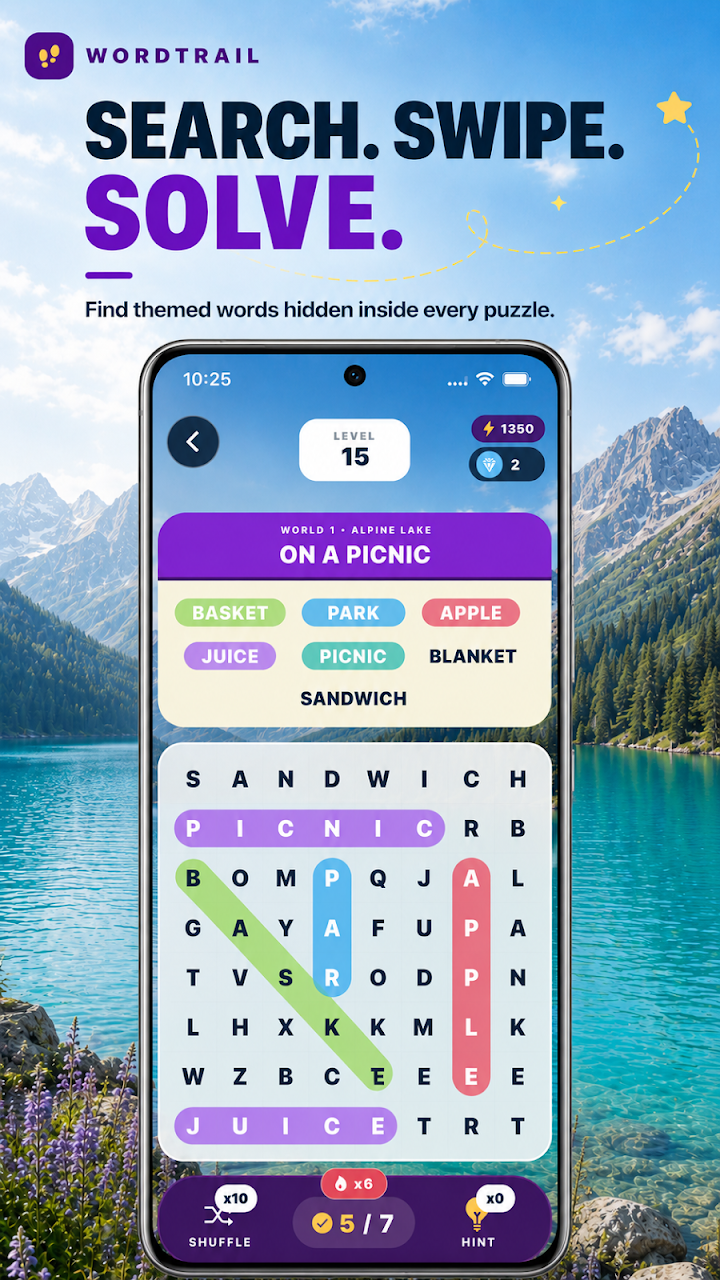
The interface language of a word game and the language of the puzzle content are not the same information. Even if the menu suits you, the words may be in another language. In a word-focused game like WordQuest, check out the first chapter content and shop description together.
Read the objective indicator and starting description first, not the playing field. Make a single move and watch what information changes. This little comparison can help you see the difference between accepting the selection, increasing the score, and ending the level.
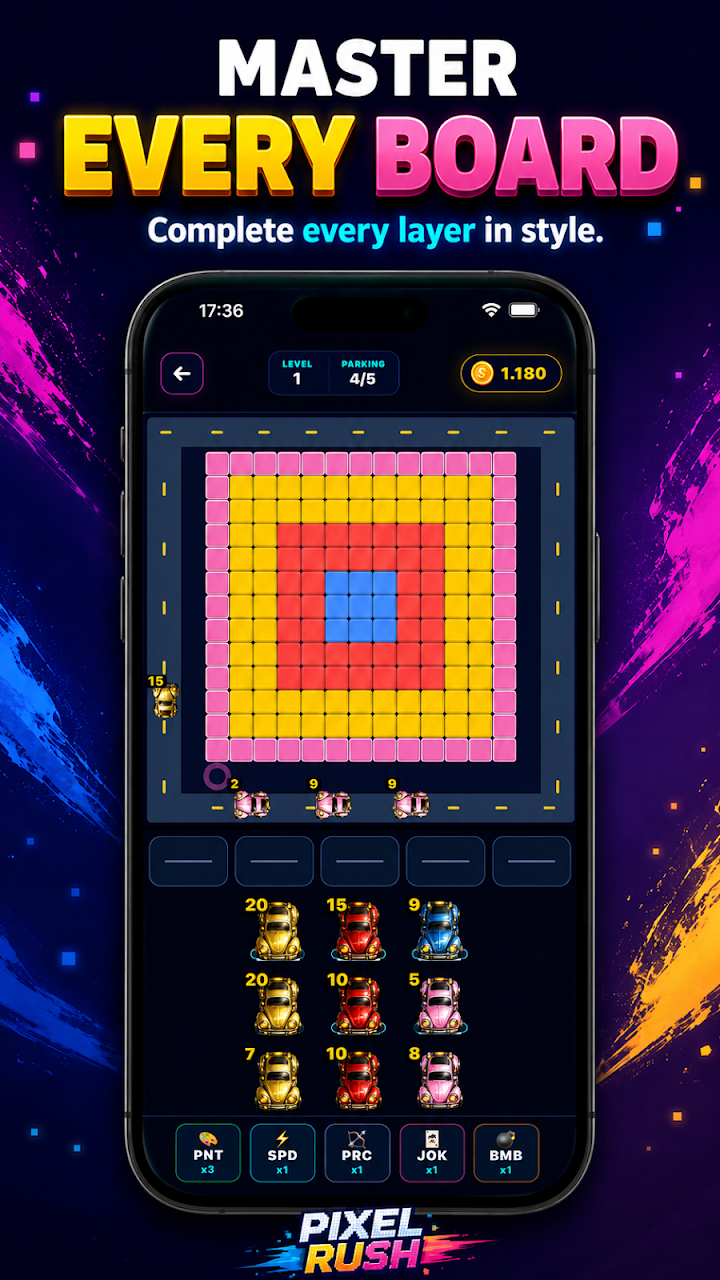
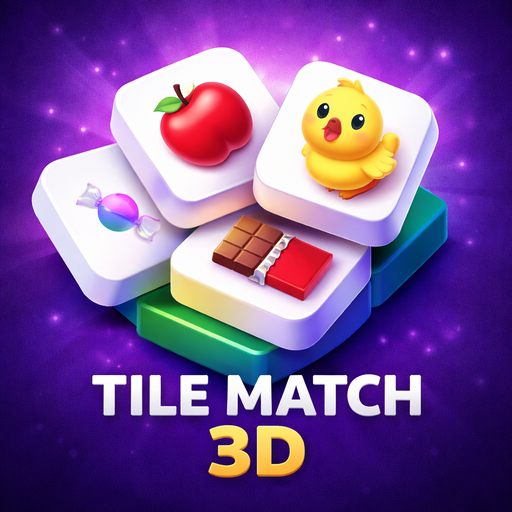
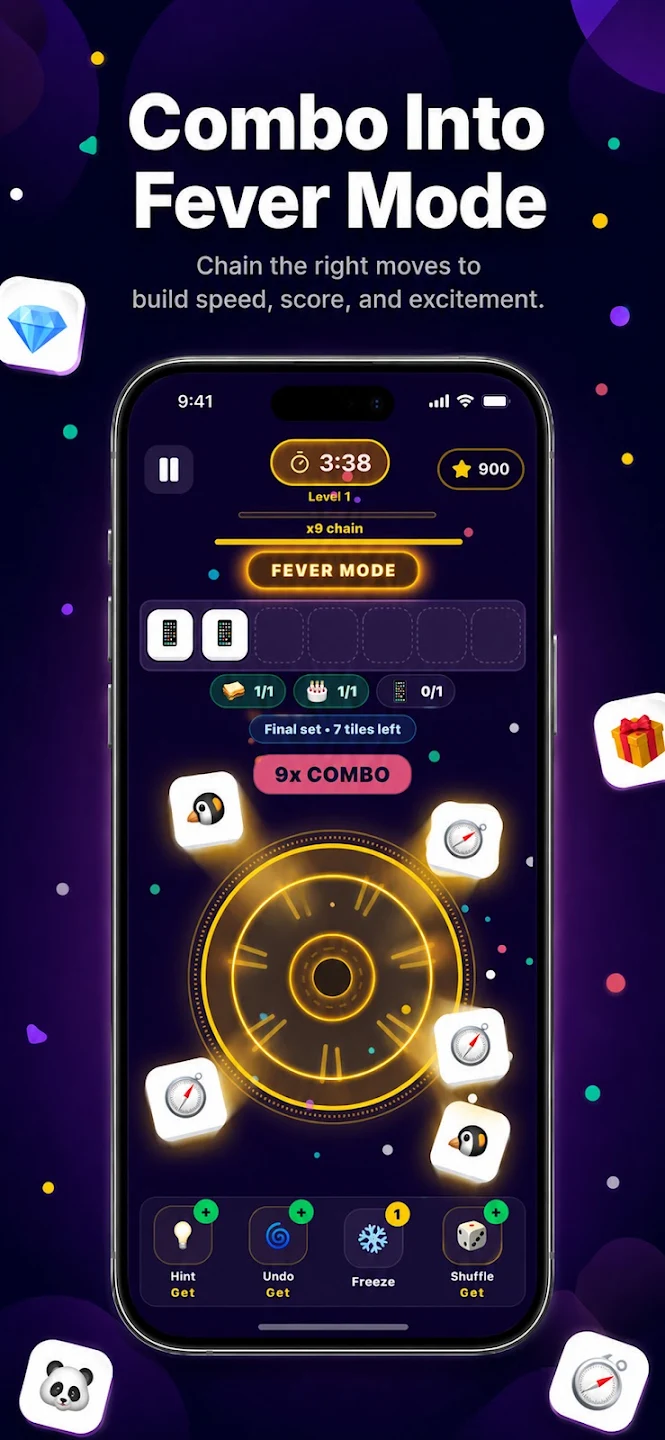
The right approach depends on the mechanics of the game. A selection in Pixel Rush affects capacity; Adds a new type to the waiting area in Tile Rush. In these games, it is important to read the result of the move. Verify the duration or tempo rule on the screen of the mode you are playing.
First, examine the game's own sound and music preferences, then the device's audio status. Observe if the visual feedback changes when there is no sound. These checks do not indicate the exact cause of the malfunction; it's a start to separating different sound sources.
Haptic feedback should not be the sole source of information. On WordCrush, you can examine visual statuses such as word acceptance, target change and section result. Settings or version may affect feedback; Don't judge the right choice based on vibration alone.
Check whether you have switched modes. Different modes may save separate progress, as Normal and Puzzle do in the WordCrush project reviewed. Compare the active mode and last completed level. This check can explain a mismatch, but does not guarantee recovery of lost progress.
Once you get the hint, examine why it works rather than just doing the suggested move. Which obstacle was removed or which relationship was opened? Trying the same idea independently in the next similar situation allows you to use the clue as a decision pattern.

 Game Selection Guides