SOURSPARK / BLOG
 Triple-Match Guides
Triple-Match Guides
Review the moment when the first unnecessary object type entered the holding area, not just the final move. A blockage often builds up over several choices. On the next attempt, change that earlier choice and compare the space you have left.
Read article
SOURSPARK / BLOG
Triple-Match Guides
Triple-Match Guides
For a beginner, object type, accessibility, and waiting area are three separate checkpoints. Reading these before each choice provides a more understandable playing pattern than quickly tapping all similar objects.
Read article
SOURSPARK / BLOG
 Word-Search Guides
Word-Search Guides
Instead of randomly looking at the entire board, establish a search order. First find the starting letter of the target word, then examine the possible directions. This way you can keep track of your scan instead of looking at the same area over and over again.
Read article
SOURSPARK / BLOG
Word-Search Guides
Word-Search Guides
A word that does not appear in horizontal and vertical searches may be diagonal. Look for the second letter from the diagonal neighbors of the initial letter, then continue keeping the same direction. Changing direction with each letter is not the same as a linear word choice.
Read article
SOURSPARK / BLOG
Word-Search Guides
Word-Search Guides
The searched word may be located opposite the reading direction you are used to. If it becomes difficult to proceed from the starting letter, find the last letter and check the sequence backwards. In the examined structure of WordQuest, reverse selection is supported; Check the rules separately for other games.
Read article
SOURSPARK / BLOG
Word-Search Guides
Word-Search Guides
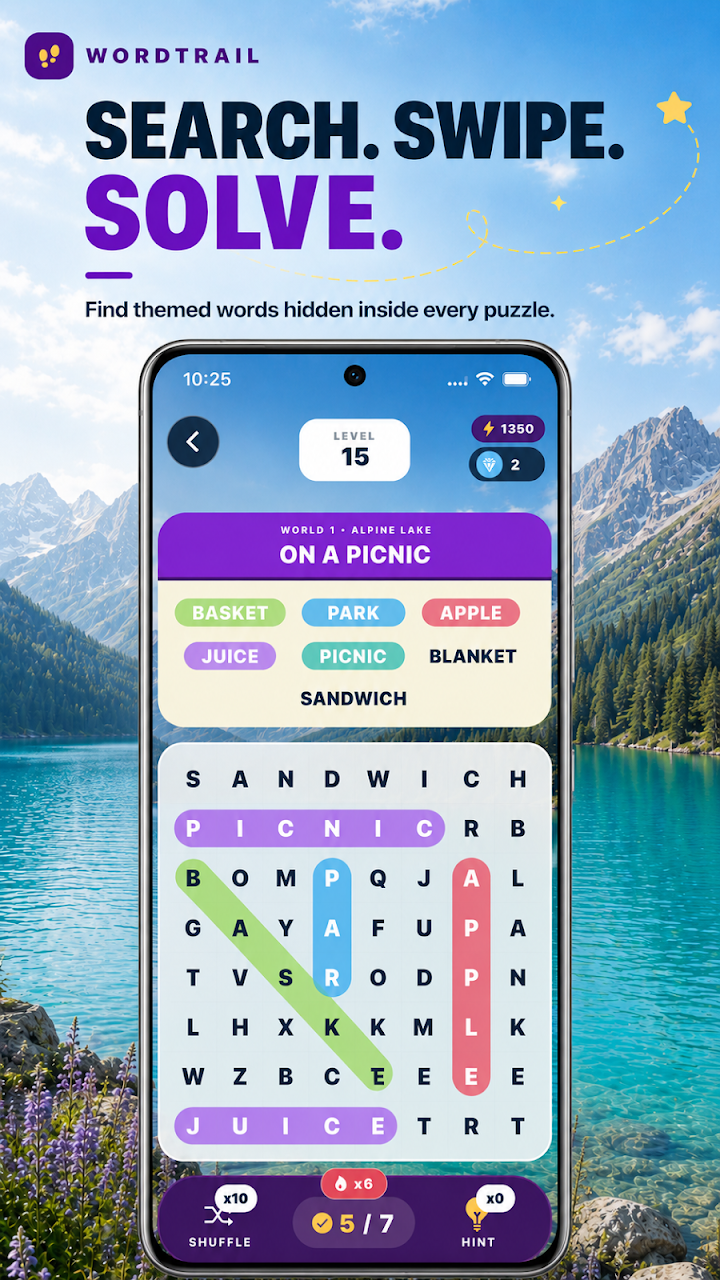
Theme can make it easier to remember the semantic context of searched words. However, not every word suitable for the theme may be on the target list of the episode. First read the given list, then scan the table with those targets; the theme is helpful information and does not replace the target list.
Read article
SOURSPARK / BLOG
Word-Search Guides
Word-Search Guides
Instead of giving equal time to each starting letter, use the second and third letters for quick elimination. If a candidate's neighbors do not have the second letter, move on to the next one. This method can streamline scanning, especially for frequently used initial letters.
Read article
SOURSPARK / BLOG
Word-Search Guides
Word-Search Guides
For a long word, space is required for the continuation as well as the initial letter. Check if a candidate near the edge has enough letters in the selected direction. An early field check can reduce spending too much time on candidates who break down towards the end.
Read article
SOURSPARK / BLOG
Word-Search Guides
Word-Search Guides
Coloring the found word or marking it in the list can help organize your search. Instead of mentally re-searching for the completed goal, return to the remaining list. Check the meaning of the sign from in-game feedback.
Read article
SOURSPARK / BLOG
Word-Search Guides
Word-Search Guides
In the version reviewed, Journey focuses on progression, Relax on calmer play, Daily on the day’s puzzle and Challenge on different difficulties. Read the in-game descriptions to choose a mode that suits your goal. The modes available may vary by version.
Read article
SOURSPARK / BLOG
Word-Search Guides
Word-Search Guides
When a word appears, compare the spelling in the list with the string you have chosen, letter by letter. The error may be caused by the beginning, direction or last letter. Finding the first mismatched letter instead of trying again faster provides a clearer correction.
Read article
SOURSPARK / BLOG
Word-Search Guides
Word-Search Guides
Read the target list and choose one word. Scan the grid’s starting letters in a consistent order, then check the sequence you find. Once the game accepts it, move to the next target. This keeps you from having to remember every word at once.
Read article
